Oct 7, 2026

Meta Tags in SEO: the Ultimate Guide
DraftSEO Team
Google's own documentation says it ignores the meta keywords tag, yet that tag still ships on millions of pages. Meanwhile, a single stray noindex line can remove a page from search results within days. If you're sorting html seo meta tags by real impact, the list is short: a handful control indexing and clicks, and the rest are noise. This guide ranks them, shows how to implement them correctly, and explains how to audit them across large sites.
The Tags That Drive Indexing and Clicks
Four tags do most of the work: the title tag, the meta description, the meta robots tag, and the canonical tag. Each acts at a different stage. Robots and canonical decide whether a page is indexed. Title and description decide whether anyone clicks.
Title tag and meta description
The title tag is the one meta element that feeds ranking. Google also uses it as the blue headline in results. Write it for clarity, put the main topic first, and stop worrying about exact character counts. Google truncates by pixel width (roughly 600 pixels on desktop), so about 50 to 60 characters is a guide, not a rule.
The meta description is not a ranking factor. It is a click-through lever. Google often rewrites it, especially when the query doesn't match your text, so write one that answers the likely search in about 120 to 155 characters.
Robots and canonical
The meta robots tag controls indexing. noindex keeps a page out of results, and nofollow tells crawlers not to pass signals through its links. The common failure is a staging site's noindex carried into production at launch. Check this first after every migration.
The canonical tag (<link rel="canonical">) names the preferred URL among duplicates. Treat it as a strong hint, not a command. Every indexable page should have a self-referencing canonical, which protects you from tracking parameters and filter URLs.
Supporting Tags: Technical Basics and Social Previews
These tags don't earn rankings, but a missing one causes real damage. Mobile layout breaks without a viewport tag, and garbled characters appear without a charset declaration.
| Tag | Purpose | Ranking impact |
|---|---|---|
| viewport | Mobile-friendly rendering | Indirect (usability) |
| charset (UTF-8) | Correct character display | None, but errors hurt |
| html lang attribute | Declares page language | Minor |
| hreflang | Maps language/region versions | Prevents wrong-country results |
| Open Graph / Twitter Card | Link previews on social platforms | None; affects shares and clicks |
Use <meta name="viewport" content="width=device-width, initial-scale=1"> on every page. Put the charset declaration in the first 1,024 bytes of the document so browsers read it early.
Hreflang matters only if you serve the same content in several languages or regions, such as US English and Canadian French. Each version must link back to the others, or Google ignores the set. Missing return links are the most common hreflang error.
Open Graph (og:title, og:description, og:image) controls how a link looks on Facebook and LinkedIn. Twitter Card tags do the same on X, and fall back to Open Graph values when absent. An og:image around 1200 by 630 pixels displays cleanly on most platforms.
The "Don't Bother" List

Skip the meta keywords tag. Google has said it doesn't use it, and Bing treats keyword stuffing there as a spam signal. Removing it costs you nothing.
The same goes for these:
meta name="revisit-after", which no major crawler honorsmeta name="author"andmeta name="generator"for ranking purposesmeta name="rating"andmeta name="distribution"- Duplicate robots directives such as
index, follow, which is already the default
Google does support a few extra tags worth knowing: google-site-verification, googlebot for Google-only directives, nosnippet, and max-snippet. Use them when you have a specific reason, such as limiting snippet length on paywalled content.
Auditing and Templating Tags at Scale
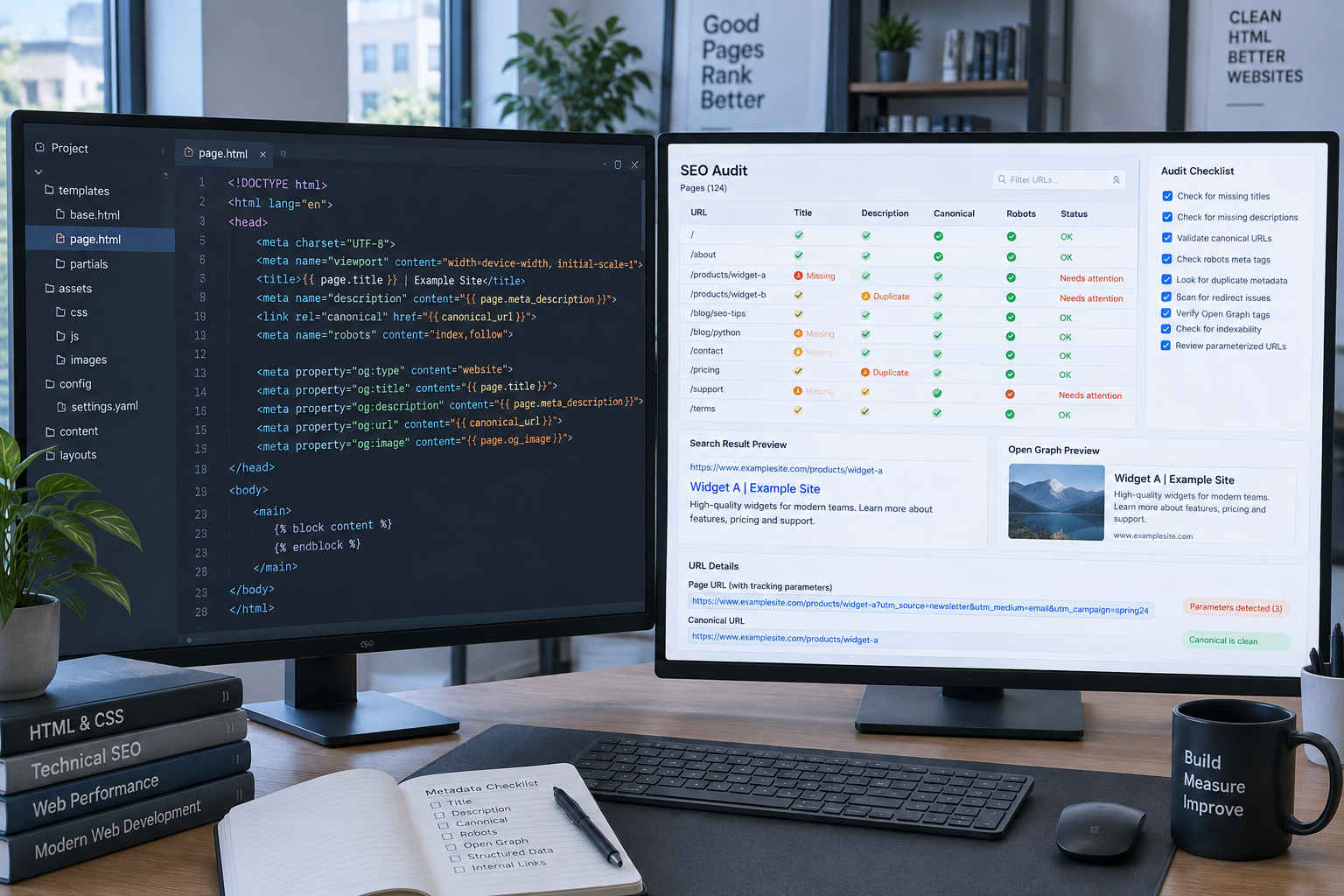
Hand-writing tags works for 50 pages. At 5,000 product pages, you need templates and a regular audit. Duplicate titles and descriptions are the most common large-site failure, and ecommerce filters make them worse.
Build rules, not individual tags
On WordPress, plugins such as Yoast SEO, Rank Math, and All in One SEO let you set title and description patterns per post type, using variables like post title, category, and site name. A product template might read %%title%% | %%category%% | Brand. Add a fallback so empty fields never output blank tags. DraftSEO.ai fits this workflow too: it generates 30 articles a month for connected sites and publishes through popular CMS integrations, so each article arrives with its own title and description rather than a duplicate.
The drawback of templates is sameness. Pattern-built descriptions read generically, so hand-write them for your top 20 to 50 pages by traffic.
Audit steps
- Crawl the site with Screaming Frog or Sitebulb and export titles, descriptions, robots, and canonicals.
- Filter for missing, duplicate, and over-width titles.
- Search for
noindexon URLs that should rank. - Compare canonicals against the URLs in your XML sitemap.
- Review the Pages report in Google Search Console for "Excluded by noindex" and "Duplicate without user-selected canonical."
- Fix templates first, then individual exceptions, and re-crawl.
Run this after every redesign, migration, or plugin change. Most tag disasters come from deployments, not from editors.
When Google rewrites your snippet, don't chase it. Check whether your description matches the query's intent, and tighten the page's opening paragraph, since Google often pulls from there.
If you want to publish optimized articles without hand-building every tag, you can try DraftSEO.ai free with starting credits and see the output on your own site.
Frequently Asked Questions
Does the meta description affect rankings?
No. Google doesn't use it as a ranking signal. It affects click-through rate because it often appears as the snippet. Google may replace it with page text when that matches the search query better.
How long should a title tag be?
Aim for about 50 to 60 characters, but pixel width decides truncation, at roughly 600 pixels on desktop. Wide letters like "W" use more space than "i", so test long titles in a SERP preview tool.
Should I use noindex or canonical for duplicate pages?
Use canonical when duplicates should consolidate signals into one preferred URL. Use noindex when a page shouldn't appear in search at all, such as internal search results or thank-you pages. Don't combine them on the same page.