Jul 29, 2026

SEO Checklist For New Websites in 2026
DraftSEO Team
Google's John Mueller has said publicly, more than once, that a new website can take several months to a year before Google fully trusts it enough to rank competitively — even with flawless technical setup. That single fact should reshape how you plan launch day. An seo checklist for new website projects isn't a pre-launch chore you finish and forget; it's the first phase of a much longer trust-building process.
Most guides treat SEO setup like a checkbox exercise: verify Search Console, submit a sitemap, done. That mindset is exactly why so many new sites stall at page two of search results six months after launch. This checklist covers the technical groundwork, but it also covers what happens after — because that's where most new sites actually lose the race.
Technical Foundation: What Must Be Live Before You Announce Launch
Technical SEO is the layer search engines use to find, read, and trust your site. Skip it, and even great content sits invisible. Get it right on day one, and every page you publish afterward inherits a clean foundation instead of fighting one.
SSL, HTTPS, and Server Configuration
HTTPS has been a baseline ranking signal since 2014, and in 2026 a site without a valid SSL certificate will trigger browser warnings that kill trust instantly. Most hosting providers, including managed WordPress hosts like WP Engine or Kinsta, issue free certificates through Let's Encrypt automatically. Confirm the certificate covers both the root domain and the www subdomain, and force a single canonical version — pick either www or non-www, then 301 redirect the other.
Server response time matters more than most launch checklists admit. A server that takes 800 milliseconds to respond before any page even starts rendering will drag down every Core Web Vitals metric downstream. Test this with a tool like GTmetrix or WebPageTest before you announce anything publicly.
URL Structure Decisions You Can't Easily Undo Later
URL structure is one of the few technical decisions that's genuinely painful to change post-launch. Decide now: flat URLs (yoursite.com/product-name) versus category-nested ones (yoursite.com/category/product-name). For most content and ecommerce sites, shorter, flatter URLs perform better and age more gracefully as your category structure evolves.
Avoid dynamic parameters like ?id=482&ref=nav in indexable URLs. They fragment your crawl budget and confuse duplicate-content detection. If your CMS generates them by default, set up clean permalink structures before you publish a single page — retrofitting URLs after Google has indexed hundreds of them means a redirect project you don't want.
Google Search Console Setup and Indexing: The Step Most Sites Get Wrong
The single most common launch mistake is going live, building pages for weeks, and only then verifying Google Search Console and submitting a sitemap. That delay can cost you a month or more of indexing time you'll never get back. Verify Search Console before your first public link goes out, not after.
Verification itself takes minutes. Add a DNS TXT record, an HTML file, or a meta tag — Search Console supports all three, and DNS verification is the most durable since it survives site migrations and CMS changes. Once verified, submit your XML sitemap (usually at yoursite.com/sitemap.xml, auto-generated by plugins like Yoast SEO or Rank Math on WordPress) directly in the Sitemaps report.
Robots.txt deserves a second look most teams skip. A shockingly common launch error: a staging-site Disallow: / rule that never gets removed when the site goes live. Check your live robots.txt file manually — don't assume your developer removed it. One blanket disallow line can keep an entire site out of Google's index for weeks before anyone notices the traffic isn't coming.
Beyond the sitemap, use the URL Inspection tool to request indexing on your five to ten most important pages manually. This doesn't guarantee same-day indexing, but it does put those URLs in Google's crawl queue faster than waiting for organic discovery. For larger sites launching with 50+ pages, prioritize category and hub pages first — they pass link equity to everything beneath them once crawled.
Here's a realistic indexing timeline for a new domain with no existing backlink history:
| Site Size | Typical Time to Initial Indexing | Typical Time to Stable Rankings |
|---|---|---|
| Under 20 pages | 3-14 days | 2-4 months |
| 20-100 pages | 1-3 weeks | 3-6 months |
| 100+ pages | 3-6 weeks | 6-12 months |
These ranges assume Search Console is set up correctly at launch and content publishing continues afterward. Sites that go quiet after launch routinely land at the slow end of these ranges, or never fully escape them.
Core Web Vitals and Mobile Performance: Non-Negotiable at Launch
Waiting until after launch to check Core Web Vitals is a mistake that compounds. Fix speed and mobile issues before launch, because retrofitting a slow site after Google has already crawled and scored it takes longer to recover from than building it right initially.
The Three Metrics That Actually Matter
Largest Contentful Paint (LCP) measures how fast your main content loads — aim under 2.5 seconds. Interaction to Next Paint (INP), which replaced First Input Delay in Google's Core Web Vitals framework in 2024, measures responsiveness to clicks and taps — keep it under 200 milliseconds. Cumulative Layout Shift (CLS) measures visual stability — pages shouldn't jump around as they load, and your score should stay under 0.1.
Test every template type, not just the homepage. A blog post template, a product page template, and a category page template can each score differently depending on the images, scripts, and third-party embeds each one loads. Run each through PageSpeed Insights individually before launch.
Mobile-First Reality in 2026
Google has indexed mobile-first since 2019, meaning the mobile version of your site is the version that gets crawled and ranked, full stop. If your new site's mobile experience is a scaled-down afterthought, you're being judged on the weaker version by default.
Test tap target sizing, font legibility without zooming, and whether pop-ups or cookie banners block content on small screens. A newsletter modal that covers 80% of the mobile viewport on load is exactly the kind of thing that tanks user experience signals without anyone on the team noticing, because they're testing on a desktop monitor.
Image weight is usually the biggest lever here. Serve images in WebP or AVIF format, lazy-load anything below the fold, and set explicit width and height attributes so the browser reserves space before the image loads — that single fix eliminates most layout shift problems on content-heavy pages.
On-Page SEO Elements Every New Page Needs
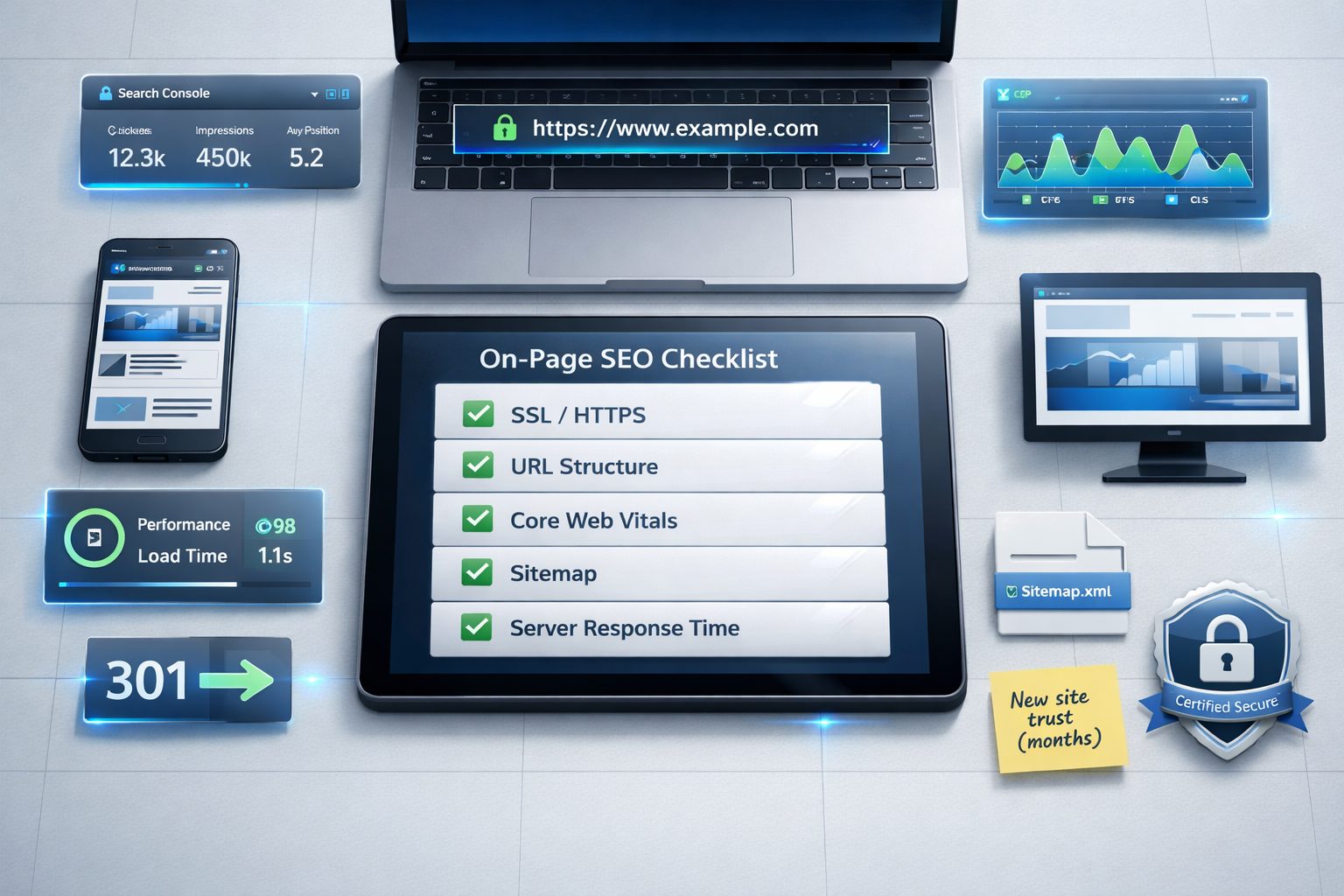
Every page you publish needs a deliberate title tag, meta description, and header structure — not generated defaults from your CMS. This is where content strategy and technical setup meet, and it's a process you repeat on every single page, not a one-time site configuration.
- Write a unique title tag for every page, front-loaded with the primary keyword, kept under roughly 60 characters so it doesn't truncate in search results.
- Write a meta description that states a concrete benefit or answer, 105-155 characters, because Google frequently rewrites descriptions that are vague or missing.
- Use exactly one H1 per page that matches search intent, not necessarily your internal working title.
- Structure H2 and H3 headers to mirror how a reader would scan the page, not how you'd outline it internally.
- Add descriptive alt text to every meaningful image — this helps accessibility and image search visibility simultaneously.
- Confirm the canonical tag on each page points to itself unless you're intentionally consolidating duplicate content.
- Check that internal links use descriptive anchor text rather than "click here" or "read more."
Keyword research should inform every one of these elements, but it shouldn't dictate robotic repetition. Search intent matching — does the page format match what the top-ranking results are actually delivering, a list, a comparison, a how-to — matters more than keyword density ever did. A common new-site mistake is stuffing a primary keyword five times into 300 words instead of building a page structure that actually satisfies the searcher's underlying question.
Schema markup adds a layer most new sites skip until later, and that's a missed opportunity. Implementing Article, Product, FAQPage, or LocalBusiness structured data (in JSON-LD format) at launch gives search engines explicit signals about what each page represents, which can influence how your listing appears in results, including rich snippets and FAQ dropdowns.
Internal Linking: A Structure You Build Continuously, Not Once
Internal linking is not a one-time task you complete during launch week and check off forever. It's an ongoing structural decision that needs revisiting every time you publish new content, because a link structure that made sense with 10 pages breaks down at 100.
At launch, build a shallow site architecture: no page should require more than three clicks from the homepage. Category or hub pages should link out to every relevant subpage, and every subpage should link back up to its category and sideways to two or three related pages. This creates what's often called a hub-and-spoke model, and it distributes link equity far more evenly than a flat list of unconnected posts.
The mistake most new sites make is publishing content in isolation. A new blog post goes live with zero internal links pointing to it and zero links pointing out from it, so it sits orphaned in the site architecture. Search engines discover orphaned pages more slowly, and even once discovered, those pages rank worse because they have no internal signal reinforcing their relevance.
Revisit your oldest content every time you publish something new. If a new article covers a subtopic related to a post from three months ago, link between them both ways. This is the part of an seo checklist for new website builds that most teams abandon after month one, precisely because it has no natural "done" state — and that's exactly why sites that keep doing it pull ahead of ones that stop.
For ecommerce sites specifically, internal linking has an added dimension: product pages need links from category pages, from related-product modules, and ideally from relevant blog content that reviews or mentions the product. A product page with zero internal links pointing to it, sitting three or four clicks deep in a massive catalog, is functionally invisible to both users and crawlers.
Why Publishing Cadence Now Matters More Than a Perfect Launch
Here's the shift that separates 2026 SEO practice from the checklist mentality of a few years ago: Google's systems increasingly reward sites that publish consistently over time, over sites that launch with 40 "perfect" pages and then go quiet. A technically flawless launch that stalls after month one sends a weaker trust signal than a modest launch followed by steady output.
Why a Content Drought Hurts More Than It Used To
Search engines revisit sites based on how often they change. A site that hasn't added or updated content in four months gets crawled less frequently, which slows down indexing of anything you eventually do publish. It also signals, indirectly, that the site may not be actively maintained — a weak trust signal in a search landscape where freshness and authority both matter.
Compare two scenarios: Site A launches with 60 pages, all well-optimized, then publishes nothing for five months. Site B launches with 15 solid pages and publishes 4 new pieces every month afterward. By month six, Site B typically has stronger crawl frequency, more indexed pages showing incremental relevance signals, and a visibly active site — even though Site A technically launched "more complete."
Setting a Realistic Cadence You Can Actually Sustain
A cadence you abandon after six weeks is worse than a smaller cadence you sustain for a year. Most small teams underestimate how much ongoing writing, editing, and publishing a real content plan requires — and that's precisely where a lot of new-site momentum dies.
Pick a volume you can sustain: weekly, biweekly, or a fixed number per month, and hold to it. This is one area where automation genuinely helps rather than cutting corners — DraftSEO.ai is built specifically to handle this ongoing cadence, generating 30 articles a month for connected sites and publishing directly through CMS integrations, so a new site doesn't stall out after the initial launch push the way most self-managed content calendars do.
Consistency beats volume spikes. Publishing 12 articles in one week and then nothing for two months looks erratic to both search engines and returning visitors. A steady rhythm — even a modest one — builds the kind of trust signal a one-time launch push never can.
Content Strategy and Structure: Matching Pages to Search Intent
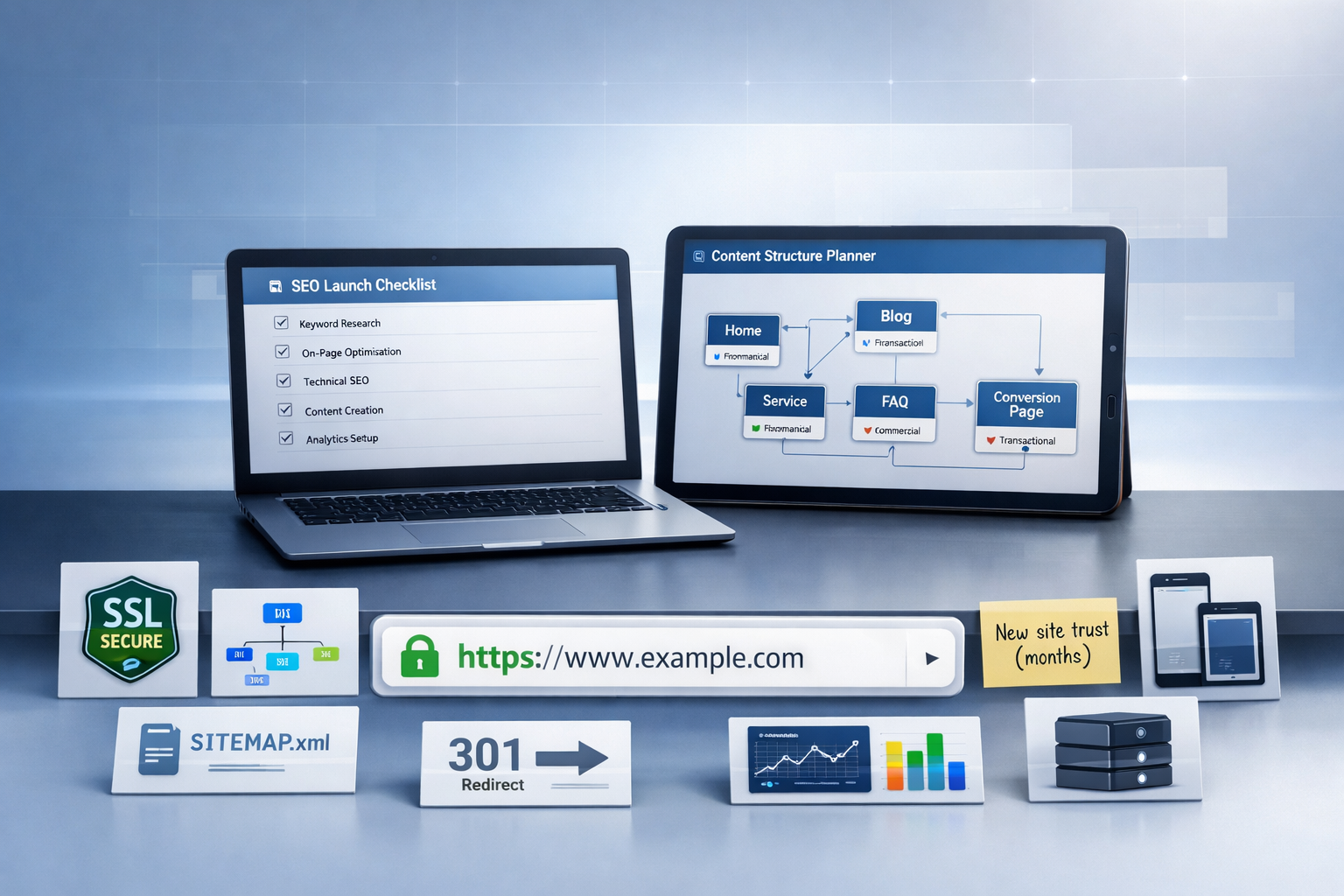
A new site needs enough pages, structured the right way, to actually compete — not just a handful of polished posts sitting alone. Publishing too few pages and expecting rankings without a broader content plan is one of the most common reasons new sites plateau at low traffic for a year or more.
Building a Topic Cluster Instead of Random Posts
Group your content around core topics rather than publishing disconnected posts chasing individual keywords. A pillar page covering a broad topic, supported by five to ten cluster pages covering specific subtopics, gives Google a clear signal of topical depth and gives your internal linking structure something coherent to connect.
For an ecommerce site selling outdoor gear, for instance, a pillar page on "choosing a tent for backpacking" could link out to cluster pages on tent weight, seasonal ratings, and setup time — each targeting a narrower search intent while reinforcing the pillar's authority.
Matching Format to What's Already Ranking
Before writing any new page, check what format currently ranks for that keyword: a listicle, a comparison table, a step-by-step guide, or a product review. Writing a 2,000-word essay for a query that Google satisfies almost entirely with quick-answer boxes and comparison tables wastes effort and rarely ranks well regardless of writing quality.
This is where a lot of otherwise solid content strategies fail quietly — the writing is good, but the format doesn't match what searchers, or Google, expect for that specific query.
Scaling Content Without Losing Quality or Consistency
Once the technical checklist is handled and the first content batch is live, the real challenge starts: keeping the publishing engine running for months without burning out your team or your budget. Most new sites that fail at this stage don't fail because of bad SEO advice — they fail because writing, editing, and publishing at a sustainable pace is genuinely time-consuming work.
Manually researching keywords, drafting articles, formatting them for search engines, and publishing through your CMS is a real job, not a side task squeezed between other work. That's exactly the gap tools built for ongoing content production are meant to close. DraftSEO.ai handles the research-to-publish pipeline end to end, and connects directly with popular CMS platforms so new content goes live without a manual upload step for every single article.
If you're weighing whether to build this cadence manually or hand part of it off, it's worth testing before committing budget. DraftSEO.ai offers a free trial with starting credits, so you can see the article quality and publishing workflow firsthand before deciding — you can review current plans and what's included at the DraftSEO.ai pricing page.
Whatever route you choose, the principle holds regardless of tooling: a new site's ranking trajectory is decided less by how perfect the launch was and more by whether the site kept publishing six months later.
Frequently Asked Questions
How long does it take a new website to rank on Google?
Most new sites see initial indexing within one to three weeks with proper Search Console setup, but competitive rankings typically take three to twelve months depending on site size and content volume, per the indexing table above. Sites that stop publishing after launch usually land at the slower end of that range.
Do I need an SEO checklist if I'm only launching a small site?
Yes — technical basics like SSL, mobile performance, and Search Console verification matter regardless of site size. A 10-page site with clean technical setup and steady publishing will typically outrank a larger site with technical debt and no ongoing content plan.
What's the biggest mistake new websites make with SEO?
Treating SEO setup as a one-time pre-launch task rather than an ongoing process. Internal linking, content publishing, and even technical monitoring (Core Web Vitals, crawl errors) need continuous attention, not a single launch-week checklist pass.
Should I fix all technical SEO issues before launch, or can some wait?
Fix SSL, mobile usability, Search Console verification, and sitemap submission before launch — these are hard to retrofit cleanly. Secondary items like expanded schema markup or advanced internal linking can be refined in the weeks immediately after, as long as you don't let months pass.