Aug 29, 2026

How to automate social media posts for free
DraftSEO Team
Meta's 2023 transparency report put daily active users across its apps at more than 3 billion — which is the entire reason manually posting to five feeds by hand no longer makes sense for anyone running a business page. If you automate post scheduling even for one platform, you get back hours every week. The real question isn't whether free tools exist. It's whether they'll actually hold up once you're posting daily across three or four channels.
Free Scheduling Tools: What They Actually Let You Do
Free tiers from Buffer, Later, and Meta Business Suite cover the basics of scheduling and queuing, but each caps something differently, and that cap is usually what breaks your workflow first.
Buffer, Later, and Meta Business Suite Compared
Buffer's free plan allows scheduling to 3 channels with unlimited posts on some plans, though older free tiers cap around 10 scheduled posts per channel. Later's free tier limits you to 1 social set and roughly 30 posts per month across platforms. Meta Business Suite, since it's native to Facebook and Instagram, has no real post-count cap but only works for Meta's own platforms — nothing for X, LinkedIn, or TikTok.
Where the Free Tier Actually Breaks
The break point is almost always account limits, not features. You'll hit a wall trying to connect a second Instagram account or a fourth platform, and that's when free users get pushed toward a $15-$30/month tier. Analytics reporting on free plans is also thin: expect basic engagement counts, not historical trend data or export options.
| Tool | Free Plan Limit | Platforms Covered | Analytics on Free Tier |
|---|---|---|---|
| Buffer | ~10 posts/channel (legacy free) or 3 channels | FB, IG, X, LinkedIn | Basic engagement only |
| Later | ~30 posts/month, 1 social set | IG, FB, TikTok, Pinterest, X | Limited, no export |
| Meta Business Suite | No hard post cap | Facebook, Instagram only | Native Meta insights only |
Setting Up Cross-Platform Posting Without Hitting API Walls
Cross-posting the same content everywhere sounds efficient, but it's the fastest way to tank engagement, because each platform's API and audience behavior are genuinely different. Automating the post shouldn't mean automating the same exact copy five times over.
API Rate Limits You'll Actually Run Into
Every free scheduler is bound by the platform's own API rules, not just its own quota. Instagram's Graph API, for instance, caps content publishing at 25 posts per rolling 24-hour period per account — a limit that has nothing to do with your scheduling tool and everything to do with Meta's own throttling. X's free API tier is even tighter, and that's part of why third-party schedulers often struggle to post reliably to X without a paid developer account behind them.
Customizing Captions per Channel
A caption that works on LinkedIn (longer, professional framing) usually reads oddly on Instagram (shorter, hashtag-driven) or X (character-capped, more casual). Set up your scheduler so each platform gets its own caption field, not one master text box copied five times. This is one of the more common corrections I'd make to a new automation setup: teams automate the distribution but skip the ten seconds it takes to adjust tone per platform, and engagement quietly drops as a result.
Automating from RSS Feeds and Recycling Evergreen Content
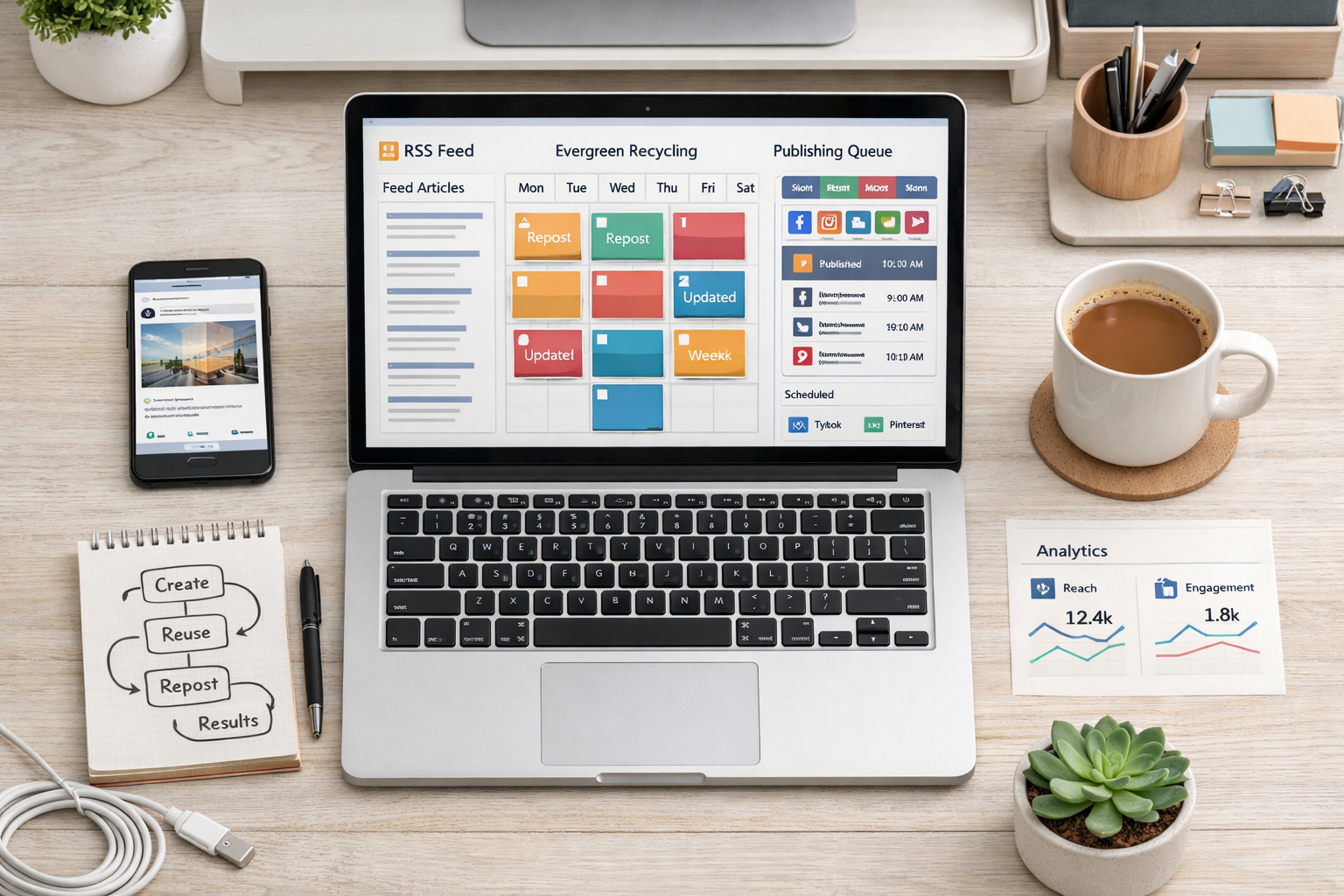
RSS-to-social automation lets you turn a blog's feed into scheduled posts automatically, without touching a scheduler each time you publish. Zapier and IFTTT both support this on free tiers, though with real ceilings worth knowing before you build around them.
Zapier's free plan includes 100 tasks per month and only single-step "Zaps" (one trigger, one action). IFTTT's free tier caps you at 2 active Applets total. For a site publishing daily, 100 Zapier tasks disappear fast if each new blog post triggers three or four platform posts.
Evergreen recycling is the other lever worth pulling. Buffer's "Re-buffer" and Later's queue-repeating features let you resurface older posts on a schedule, which matters because most organic reach for a given post happens in a narrow window right after publishing, then it's rarely seen again.
- Connect your RSS feed to Zapier or IFTTT as the trigger.
- Route it to native platform schedulers where APIs allow (Meta Business Suite, LinkedIn's own scheduler).
- Set platform-specific caption templates instead of one shared caption.
- Add evergreen posts to a recycling queue for content older than 60-90 days.
- Check the automation log weekly for failed posts or disconnected tokens.
- Rotate which older posts get recycled so the same three don't repeat monthly.
The Bottleneck Nobody Talks About: Running Out of Content
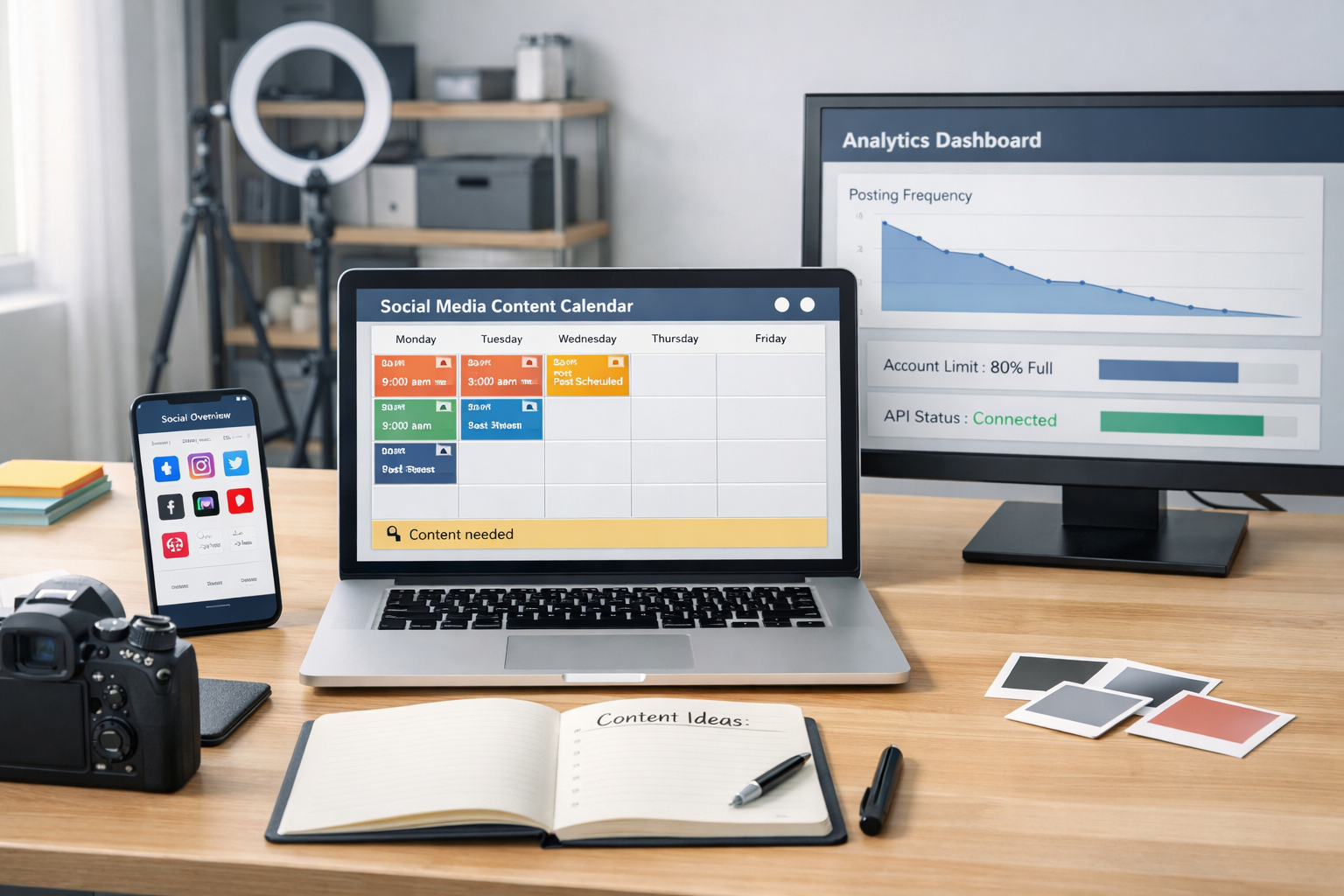
Scheduling is a solved problem. The actual failure point in free social automation is running out of things to post, not the mechanics of posting them. A queue with nothing new feeding it just recycles the same five posts until followers notice.
This is where most free setups quietly die. Someone sets up Buffer or Zapier, feels good about the automation for two weeks, then the content well runs dry and the whole system stalls. Automating the posting without automating the content pipeline behind it just moves the manual work upstream instead of removing it.
A workable fix is pairing your scheduler with a system that keeps producing fresh material for it to pull from. DraftSEO.ai generates 30 articles a month for connected sites and publishes them straight to your CMS, which gives an RSS-based scheduler a steady, real feed to draw from instead of an empty one. It doesn't replace your scheduler — it keeps it fed, which is the part free tools were never built to solve.
Once the content side is handled, pairing it with your existing scheduler is the last piece, and it's worth testing before committing to anything. DraftSEO.ai's free trial includes starter credits, and you can see current plans on the DraftSEO.ai pricing page before deciding whether to scale up.
Frequently Asked Questions
Can I really automate posts to all my social accounts for free?
Yes, but with limits: free tiers on Buffer, Later, and Zapier cap post counts, connected accounts, or automation steps. Expect to hit a wall around 1 account or roughly 30 posts monthly before a paid tier becomes necessary.
What's the difference between automating posting and automating content creation?
Post automation schedules and publishes content you already have. Content creation automation, like AI article generation, produces the material itself — most free schedulers only handle the former, not the latter.
How often should I check my automated posting setup?
Check weekly, minimum. API tokens expire, platforms change permissions, and posts silently fail without a notification on some free plans, so a manual glance catches problems before they cost you a week of dead air.