Aug 13, 2026

8 Best Content Automation Tools to Boost Your Workflow
DraftSEO Team
Marketers publishing manually spend a reported average of 3 to 4 hours per article once you count research, drafting, formatting, and uploading to a CMS. Multiply that by 30 posts a month and you're looking at over 100 hours of work that content automation platforms exist specifically to remove. The question isn't whether automation saves time — it's whether the tool you pick actually finishes the job or just hands you another draft to clean up.
That distinction separates real content automation platforms from single-use AI writers. A chatbot gives you a paragraph. A full pipeline tool researches keywords, writes the piece, checks it, and pushes it live on your site without you touching the HTML.
What Separates Full Pipeline Tools From Basic AI Writers
A basic AI writer generates text. A full content automation platform closes the loop from keyword to published post — no copy-pasting, no manual formatting, no separate plugin to schedule the upload.
The Copy-Paste Tax
Every time you move a draft from ChatGPT or a similar tool into WordPress, you're re-adding headers, fixing broken markdown, inserting images, and setting a featured snippet manually. That's easily 20-30 minutes per article, and it's the exact "time saved" that automation promises but single-use writers don't deliver.
Where the Loop Actually Closes
A platform that closes the loop handles four things without a hand-off: keyword or topic input, draft generation with on-page SEO structure, a quality or plagiarism check, and direct publishing to a connected CMS. Miss any one of those and you're back to manual work for that step.
8 Content Automation Platforms Worth Evaluating
Below is a working comparison across tools marketers commonly test when moving from single-article AI writers to a scheduled, hands-off pipeline. Feature sets shift often, so treat this as a snapshot rather than a permanent ranking.
| Tool | CMS Publishing | Keyword Research | Bulk Scheduling | Best Fit |
|---|---|---|---|---|
| DraftSEO.ai | Direct CMS integration | Built into workflow | 30 articles/month | Hands-off SEO content on autopilot |
| Jasper | Manual export | Limited | No native scheduler | Marketing copy and ad variants |
| Surfer SEO | Via WordPress plugin | Strong, data-driven | No | Optimizing existing drafts |
| Writesonic | Partial CMS support | Basic | Limited | Short-form and landing pages |
| Copy.ai | Manual export | No | No | Sales and social copy |
| ContentBot | WordPress plugin | Basic | Yes, limited | Small blogs |
| Frase | No direct publish | Strong | No | Content briefs and research |
| Rytr | Manual export | No | No | Quick drafts, low volume |
Reading the Table Correctly
Notice that only a handful of these connect keyword research, writing, and publishing in one continuous flow. Tools like Frase and Surfer SEO are strong at the research or optimization stage but stop short of publishing — you still need a separate step, and often a separate subscription, to get content live.
Full Publishing Automation Example: What "Hands-Off" Actually Looks Like
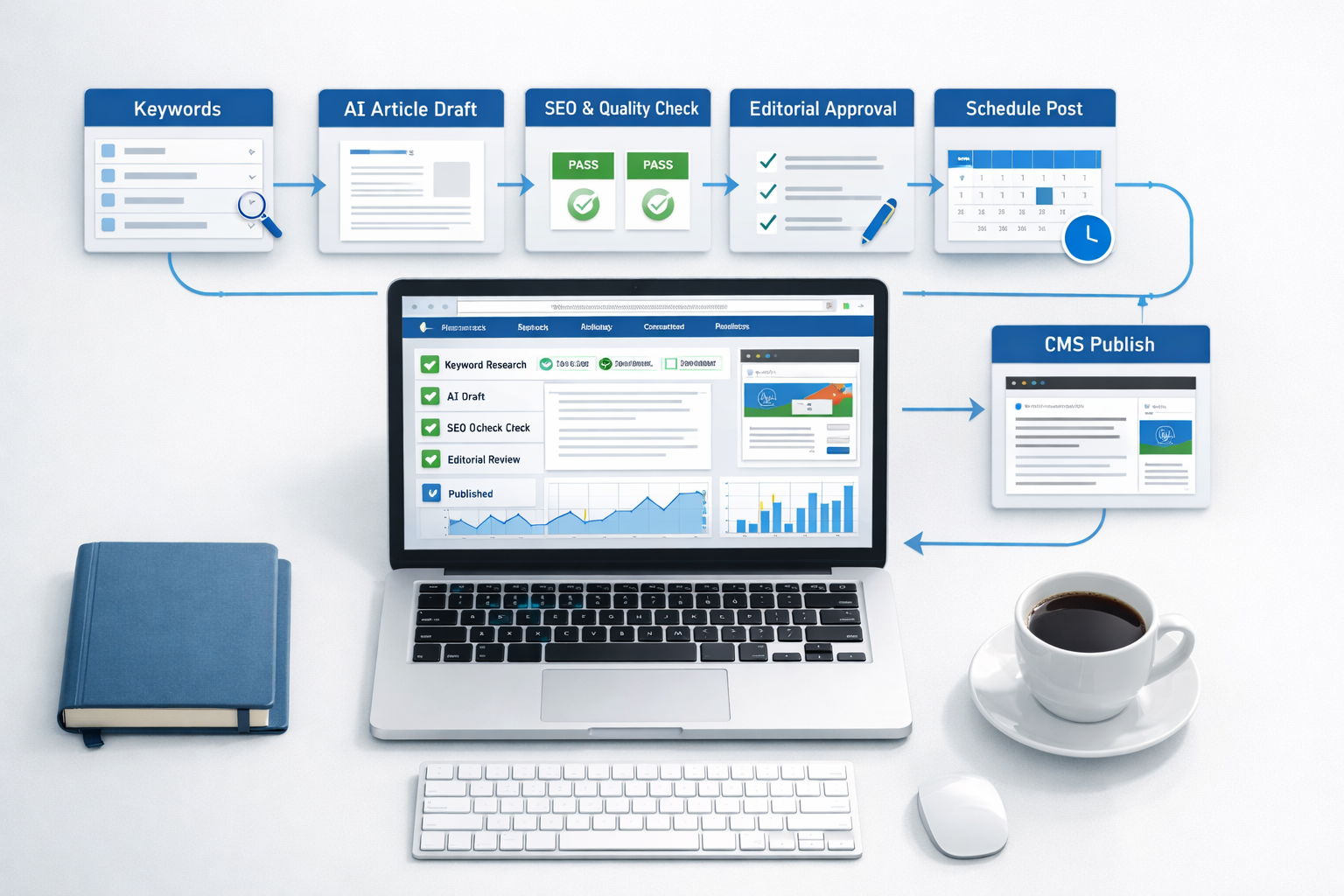
A hands-off pipeline means you set a niche once and articles appear on your site monthly without further input. DraftSEO.ai works this way: connect your CMS, generate 30 articles a month, and the platform handles the research-to-publish sequence automatically.
Here's what that looks like in practice for a site owner running an ecommerce blog. You enter your niche and target topics once. The platform researches relevant keywords, drafts SEO-structured articles with headings and internal links, and pushes finished posts directly into your connected WordPress install on a monthly schedule. No draft sits in a shared doc waiting for someone to format it.
That's the meaningful difference between "AI-assisted" and "automated." AI-assisted means a human still touches every article before it goes live. Automated means the system handles the mechanical steps and a human reviews, rather than rebuilds, the output.
Choosing the Right Tool for Your Stack
Not every platform fits every workflow, and picking wrong means paying for a subscription that still leaves you doing the same manual work you started with.
Match the Tool to Your CMS First
If you run WordPress, confirm the platform has a direct integration, not just an export function. A tool that only exports plain text still requires someone to rebuild headings, alt text, and internal links inside your CMS editor.
Don't Skip Quality Control
Automation doesn't remove the need for oversight — it changes where that oversight happens. Run a lightweight review pass: check facts, verify any named brands or statistics, and scan for AI-detection flags before a batch goes live, especially on YMYL or ecommerce category pages.
- Define your monthly article volume and budget per piece before comparing tools.
- Confirm direct CMS integration rather than manual export.
- Check whether keyword research is built in or requires a separate subscription.
- Test the plagiarism or AI-detection process on a sample batch.
- Review the first five published articles manually before trusting the pipeline fully.
- Set an internal linking rule so new posts connect to existing cornerstone pages.
- Reassess after 60 days against your actual organic traffic, not article count alone.
More articles published doesn't automatically mean more traffic. A batch of 30 low-relevance posts can dilute your site's topical focus just as easily as it can build it, so the review step in that list matters as much as the automation itself.
Try Automated Content Generation Before Committing
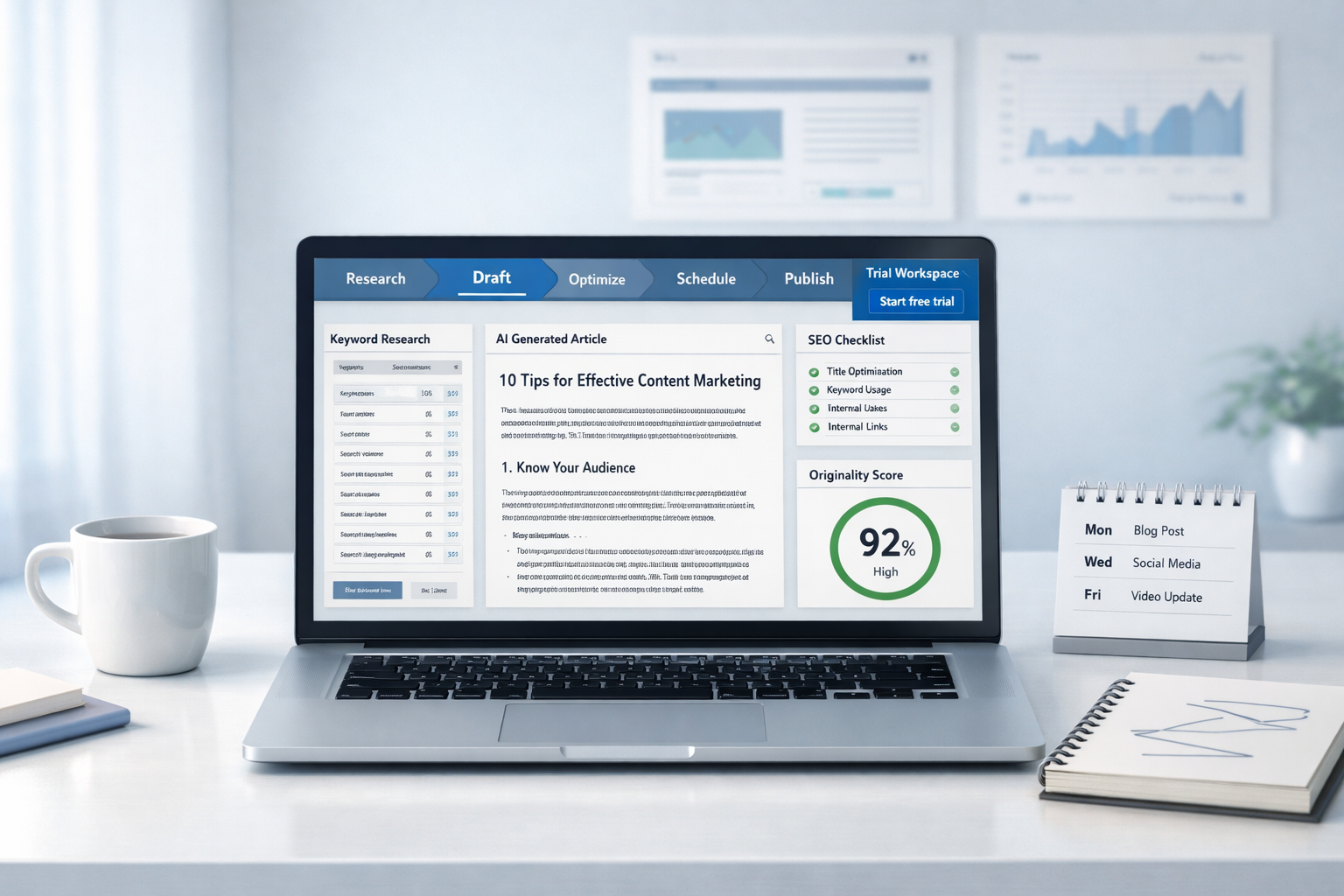
Testing a platform on your own site is the only way to know if the output matches your editorial standard, and most reasonable platforms let you do that before paying. DraftSEO.ai offers a free trial with starter credits, so you can run a real batch through your CMS and judge the drafts against your own bar rather than a demo video.
Budget a short trial period to check three things: whether the writing matches your brand voice, whether the CMS integration publishes cleanly, and whether the keyword targeting lines up with topics you actually want to rank for. If you want to see the credit structure and plans before testing, the pricing page breaks down what's included in the free trial and what scales up from there.
Frequently Asked Questions
Do content automation platforms replace a human editor?
No. They remove the mechanical work of drafting, formatting, and publishing, but a human should still review facts, brand voice, and any named claims before a batch goes live, particularly on pages that affect purchasing decisions.
How many articles should I publish per month with automation?
Most site owners start around 10 to 30 articles monthly, depending on site size and existing content gaps. DraftSEO.ai generates 30 articles monthly for connected sites, which suits sites actively building out topical coverage rather than a single flagship page.
Will automated content trigger AI-detection penalties from Google?
Google doesn't penalize content simply for being AI-generated; it evaluates for quality and usefulness under its content guidelines. The bigger risk is publishing thin, irrelevant, or unreviewed batches, not the automation method itself.