Oct 31, 2026

WordPress Automation Plugins: Compare Key Features
DraftSEO Team
WordPress automation plugins differ in six ways: trigger and action coverage, visual workflow builders, native versus webhook integrations, AI features, performance overhead, and pricing model. Uncanny Automator, AutomatorWP, Bit Flows, OttoKit and FlowMattic suit workflows that run on your site. Zapier suits connections between outside apps. Pick by the apps you connect and by how many tasks you run each month, not by the integration count on a sales page.
Quick Comparison of the Main Plugins
The table below covers how each tool bills and where it fits. Pricing models are the part that surprises people later.
| Plugin | Runs where | Billing model | Best for |
|---|---|---|---|
| Uncanny Automator | On your site | Flat yearly license; free version available; Pro from about $60 | Cross-plugin workflows (WooCommerce, LearnDash, MemberPress) |
| AutomatorWP | On your site | Flat license; limited free version | Budget starts, membership rules |
| Bit Flows | On your site | Flat license | Self-hosted Zapier-style flows, AI agents |
| OttoKit (formerly SureTriggers) | Cloud | Metered per action | Quick setup with many apps |
| FlowMattic | On your site | License | Visual builder, API-heavy flows |
| WP Webhooks | On your site | Flat license | Developers sending and receiving webhooks |
| Zapier for WordPress | Cloud | Metered per task | Cross-app syncing across 6,000+ apps |
Zapier and OttoKit count every action a workflow runs. The others charge a flat license with no per-run metering. A store that fires 20,000 actions a month feels that difference quickly.
Self-Hosted Plugins vs. Cloud Tools
Self-hosted plugins run inside WordPress and use your server's resources. Cloud tools run on someone else's servers and bill by usage. Treating them as the same product is the most common buying mistake.
Performance Overhead
Many automation plugins load integration code on every page request, even for integrations you don't use. On shared hosting, that adds up when you stack dozens of always-loaded workflows. Check Core Web Vitals before and after you install, and keep only the integrations you need switched on. Cloud tools add almost no load to your site, but each trigger still sends a request out.
Billing and Limits
Flat licenses cost the same at 500 or 50,000 runs. Metered tools start cheap and rise with volume. Free tiers usually cap triggers, actions or logs, so test a real workflow before you rely on one.
Matching a Plugin to Your Workflow
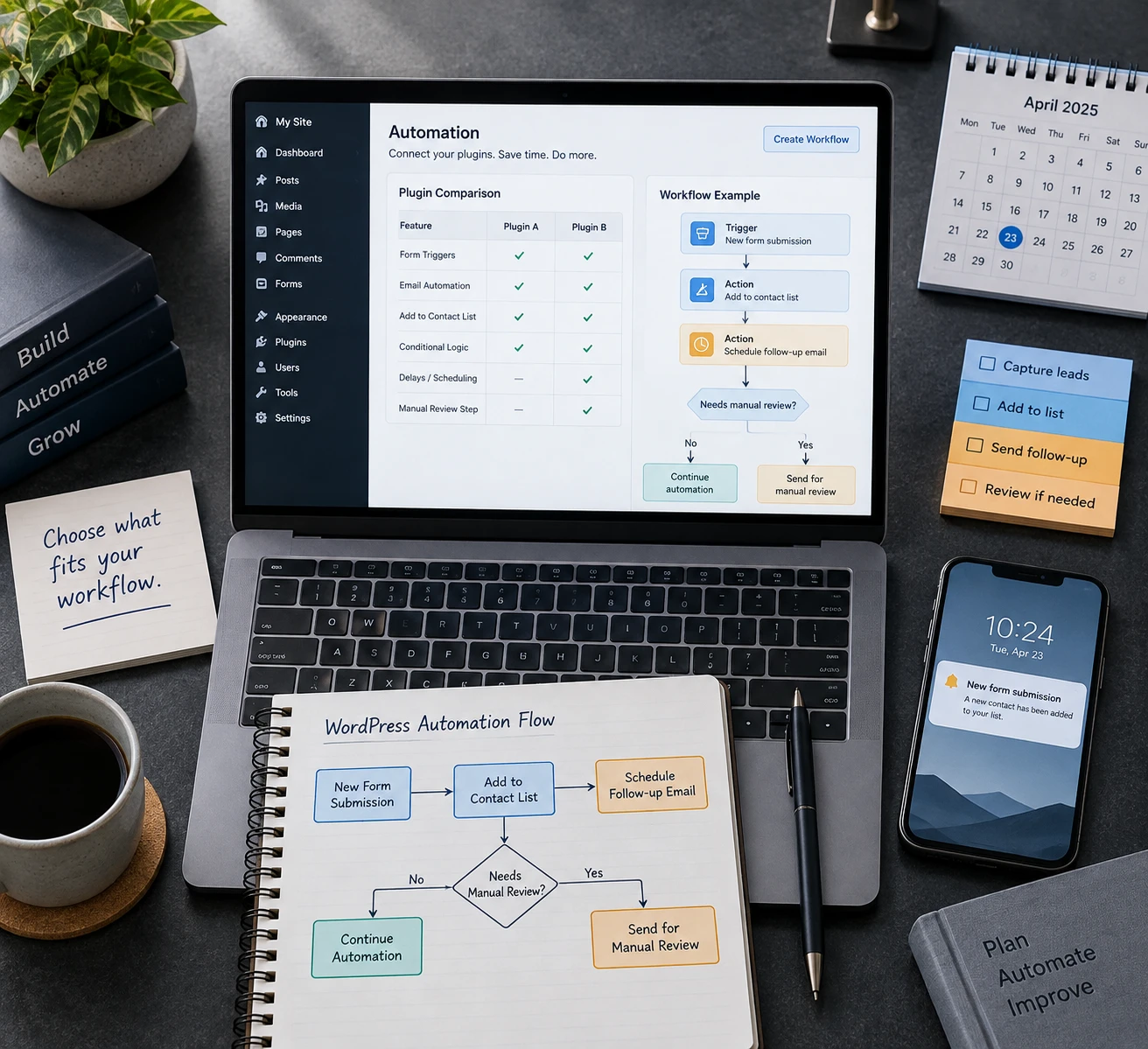
There's no single best plugin. Match the tool to the job.
WooCommerce and Memberships
For orders, course enrollments and member roles, use Uncanny Automator or AutomatorWP. Both connect more than 130 WordPress plugins natively, so a purchase can enroll a user in LearnDash with no outside service. Uncanny Automator adds conditional logic, delays, scheduled runs and logs for every run. AutomatorWP's free tier is enough to test the idea.
Cross-App Syncing
If a form entry must reach a CRM, a spreadsheet and Slack, a webhook-based tool fits. Bit Flows and FlowMattic cover this on your site. Zapier makes sense when most of your apps have no WordPress plugin at all. You don't need Zapier if your triggers start in WordPress and your destinations have native integrations.
Content Publishing
Don't build a workflow to publish posts. WordPress already schedules posts natively, and a publishing tool is simpler than chaining triggers. DraftSEO.ai researches keywords, writes articles with images and FAQs, and publishes them to your connected WordPress site on a rolling calendar, so you skip that automation entirely. It also offers a free WordPress plugin.
Setup Checks Before You Go Live
- List your triggers and actions first, then check each one exists in the plugin.
- Install the free or lite version and build one real workflow.
- Turn on logging so failed runs show up.
- Send a test order or form entry and confirm every step fired.
- Compare page speed before and after.
- Count monthly runs and price them under both billing models.
Skipping logs is the costly error. A broken workflow that fails silently can lose orders or leads for weeks.
If you'd rather not hand-build content workflows at all, you can try DraftSEO.ai free on your first site and let it handle hands-off publishing.
Frequently Asked Questions
Do automation plugins slow down a WordPress site?
Some do. Many load all integration code on every request, which hurts most on shared hosting. Measure Core Web Vitals before and after installing, and disable integrations you don't use.
Which plugin works best for WooCommerce automation?
Uncanny Automator is the strongest fit for WooCommerce plus memberships or courses, thanks to native triggers and logs. AutomatorWP works for tighter budgets.
Are free WordPress automation plugins worth using?
Yes, for testing and simple flows. AutomatorWP and Bit Integrations both have free versions. Check their limits on triggers, actions and logs before relying on them for real workflows.
References
[1] Best WordPress Automation Plugins for 2026 (Complete.
[2] 7 Best WordPress Automation Plugins Compared
[3] 8 Best WordPress Automation Plugins for Maximum .
[4] Best WordPress Automation Plugins in 2026
[5] Best WordPress Automation Plugins in 2026 - ARPrice
[6] Best WordPress Automation Plugins in 2026
[7] Best WordPress Automation Plugins in 2026
[8] WordPress.com Pricing | Find the Perfect Plan for Your Site