Aug 10, 2026

Heading vs Subheading: Which One Improves SEO More?
DraftSEO Team
Google's own John Mueller has said publicly, more than once, that heading tags carry only a small ranking signal on their own. That single fact undercuts most of what gets written about heading vs subheading debates. The real question site owners should ask isn't which tag ranks better — it's whether their hierarchy is structured so search engines and AI systems can pull clean, extractable chunks out of the page.
That distinction matters more now than it did five years ago, because Google's featured snippets and AI Overviews, along with tools like ChatGPT browsing, depend on parsing structure to lift out answers. Get the hierarchy wrong and you can write great content that never gets quoted anywhere.
What "Heading vs Subheading" Actually Means in HTML
A heading and a subheading aren't two different technologies — they're the same tag family (H1 through H6) used at different depths of the same outline. The H1 is your page's main heading; H2s are subheadings under it; H3s subdivide H2 sections, and so on down to H6.
The H1: One Per Page, No Exceptions
The H1 tag should appear exactly once per page. It states the primary topic and usually aligns closely with the page's search intent. Multiple H1s used to be debated back when HTML5 first allowed sectioning elements to reset heading scope, but in practice, one clear H1 still performs best for both crawlers and readers.
H2 Through H6: The Nesting Rule
H2s break the page into its major sections. H3s sit inside an H2 to cover sub-points, H4s sit inside H3s, and so on. Skipping levels — jumping from an H2 straight to an H4 — breaks the logical nesting that screen readers and crawlers rely on to build a page outline. Semantic order, not visual size, is what search engines read.
Title Tag vs H1: Two Jobs, Often Confused
The title tag and the H1 are not the same thing, and conflating them is one of the more common structural mistakes on WordPress sites. The title tag lives in the page's <head> and shows up in the browser tab and search results snippet; the H1 lives in the visible body content.
They can carry different wording. A title tag might read "Best Running Shoes for Flat Feet (2025 Guide)" to hit character limits and click appeal, while the H1 on the page itself reads "Running Shoes for Flat Feet: What to Look For." Both should reflect the same topic, but the title tag is optimized for the search results page, and the H1 is optimized for the person who already clicked through.
Plenty of SEO plugins — Yoast, RankMath — let you set these independently. If you leave them identical every time, you're not wrong, but you're leaving room to test different framing in each spot.
Does Adding More Subheadings Improve Rankings?
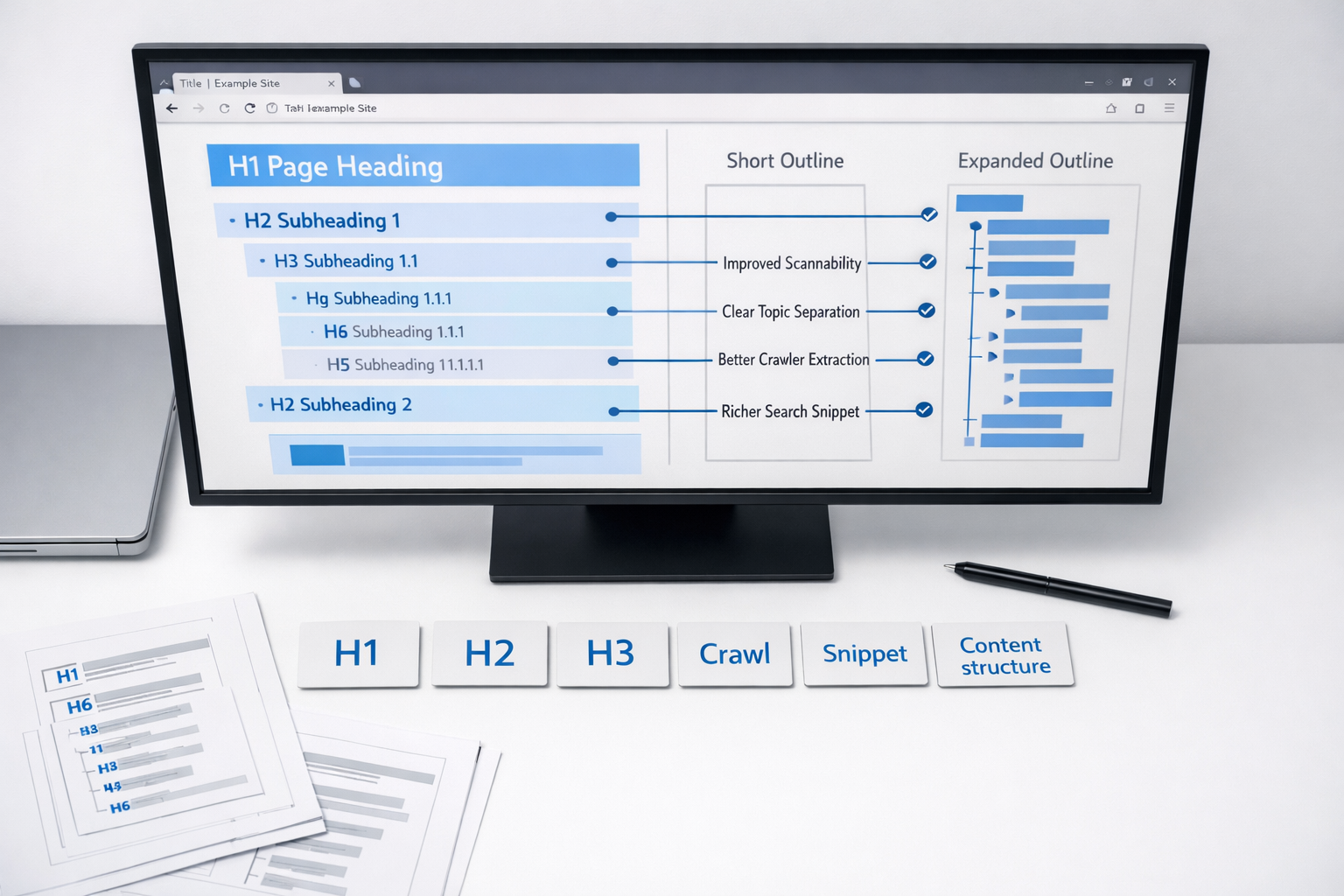
No. Adding subheadings without adding genuine content sections does nothing for rankings, and in some cases it hurts readability by fragmenting shallow ideas into artificial-looking sections. Subheadings help ranking indirectly, by making content scannable and machine-parseable — not by existing in higher counts.
This is where a lot of "SEO heading tips" articles go wrong. They imply more H2s and H3s equal more ranking signals, as if search engines count tags like keywords in 2009. They don't. Google's systems evaluate whether each section actually answers something a reader (or an AI model summarizing the page) would search for.
Why Structure Beats Volume
Featured snippets and AI Overviews extract short, self-contained chunks of text — usually a paragraph or a list directly under a heading that phrases a question naturally. A page with five vague H2s like "More Information" or "Other Details" gives extraction systems nothing to grab. A page with an H2 phrased as "How Long Does a Roof Replacement Take?" followed immediately by a direct 40-word answer is far more extractable.
The Keyword-Stuffing Trap
Cramming your target keyword into every single subheading — "Best Widgets," "Cheap Widgets Near Me," "Widgets for Sale Today" — reads unnatural and can suppress click-through even if it doesn't directly hurt rankings. Vary phrasing. Use the keyword where it's genuinely the clearest way to describe the section, not in every heading by rule.
Structuring Headings for AI Overviews and Featured Snippets
The single biggest lever available to content teams right now is matching heading phrasing to how people actually ask questions, then answering that question in the first sentence or two below it. This is what makes a chunk "liftable" for both Google's snippet algorithm and AI summarization models.
- Phrase key H2s and H3s as questions or clear statements, not vague labels.
- Answer the question in the first 40-60 words directly under the heading.
- Use one heading per distinct sub-question — don't bury two answers under one heading.
- Keep H3s nested logically under their parent H2, never orphaned.
- Use numbered or bulleted lists under headings describing a process or ranking.
- Avoid duplicate heading text across the page — it confuses which section maps to which query.
Doing this consistently across dozens of pages is where manual content teams usually fall behind, because it requires checking outline logic on every article, not just writing good sentences. Automated content structuring tools, including the outline logic built into DraftSEO.ai, apply this heading-and-answer pattern by default across every generated article, which matters more once you're publishing at any real volume.
| Heading Type | Best Use | Extraction-Friendly? |
|---|---|---|
| H1 | Page topic, one per page | Not directly — sets context only |
| H2 (question-phrased) | Major sub-topic, direct answer follows | Yes — primary snippet source |
| H2 (label-only) | Weak, vague sections ("More Info") | No |
| H3 | Nested detail under an H2 | Yes, if self-contained |
| H4-H6 | Deep nesting, rarely needed on blog content | Rarely relevant |
Accessibility and Scannability: The Overlooked SEO Multiplier
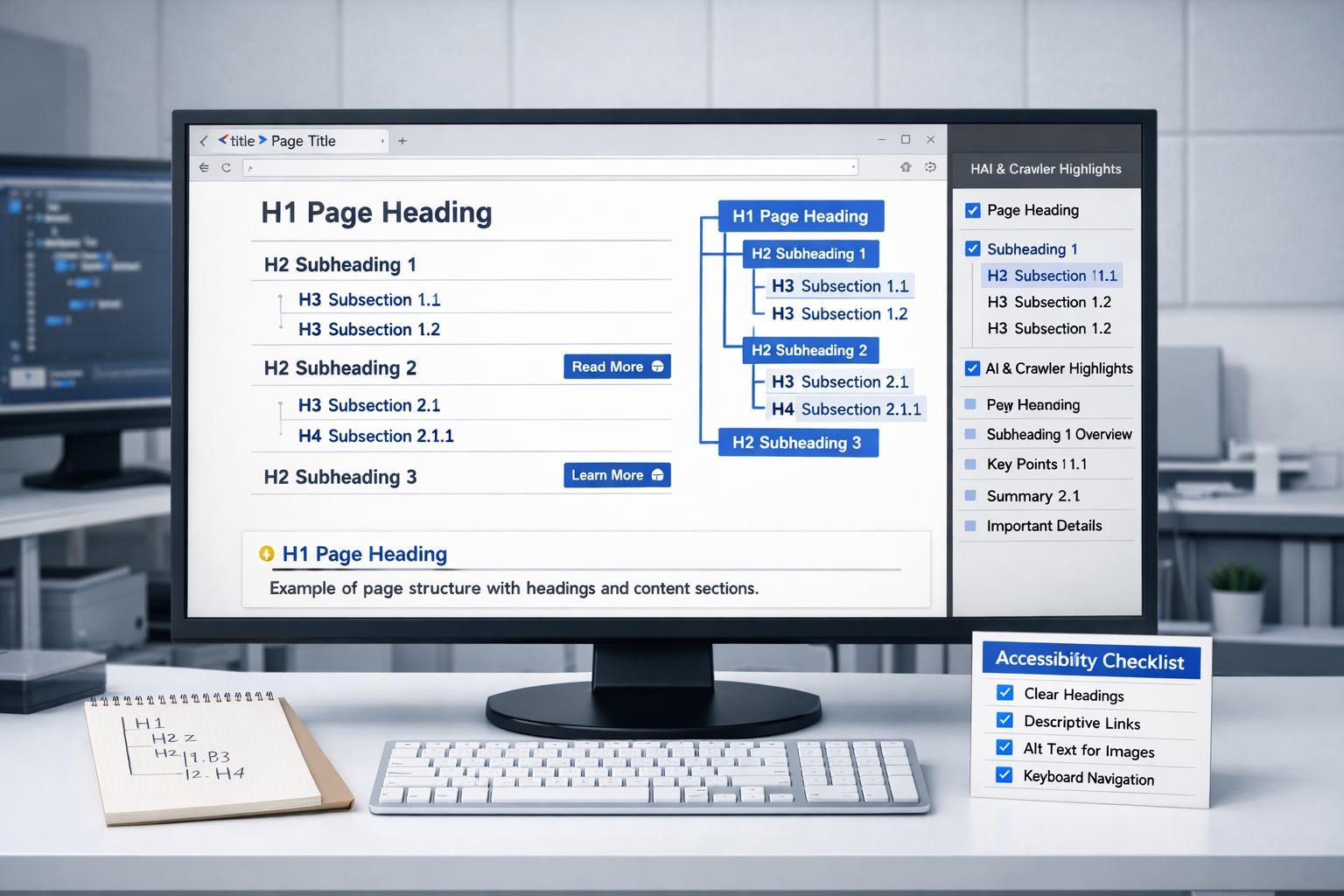
Screen readers navigate pages by heading level, letting users jump straight to an H2 or H3 without reading everything in between. If your hierarchy skips levels or uses headings purely for font size rather than structure, you're breaking navigation for anyone using assistive tech — and that's a genuine accessibility failure, not just a technical nitpick.
The same structure that helps a screen reader user also helps a sighted user scanning on a phone. Clear, consistent headings reduce bounce rate because people find their answer faster. That's a behavioral signal Google can observe indirectly through engagement metrics, even if heading tags themselves aren't a direct ranking factor.
Getting this right across a full site, especially one publishing regularly, is mostly a discipline problem. If you're generating and publishing SEO-structured articles at scale, it's worth checking your outline logic against a service built to enforce it automatically — DraftSEO.ai includes a free trial with starting credits, and you can see current plans at the DraftSEO.ai pricing page before committing to a monthly volume.
Frequently Asked Questions
Does using H2 instead of H3 change how a page ranks?
No, not on its own. Ranking depends on whether the heading level matches its logical place in the outline and whether the content beneath it directly answers a real query — not which specific tag number is used.
Can I use two H1 tags on one page for extra keyword weight?
You can technically code it, but it doesn't add keyword weight and can confuse the page's topic signal. Stick to one H1 that states the page's core subject clearly.
How many subheadings should a 1,000-word article have?
There's no fixed number — it depends on how many distinct sub-questions the topic has. A 1,000-word page with 4-6 well-phrased H2s usually outperforms one with 10 shallow, repetitive ones.