Nov 10, 2026
Blog Post Image Generator: Compare Tools and Workflows
DraftSEO Team
The best blog post image generator depends on your workflow, not on image quality alone. ChatGPT Images, Google Gemini (Nano Banana), Ideogram and Midjourney make strong custom visuals, but each one adds manual steps to every post. Integrated platforms generate and insert images while they publish.
Pick by five things: output quality, text rendering, commercial licensing, cost and fit with WordPress or your CMS. Here's how the main options compare.
Quick Comparison of the Main Tools
Standalone generators differ most in text rendering and in how fast you hit free limits. Prices change, so check each plan page before you commit. These are November 2026 figures where a price is given.
| Tool | Best use | Free limits | Text rendering | Licensing |
|---|---|---|---|---|
| ChatGPT Images | Illustrations and covers made in a chat | Limited daily use on the free plan | Strong | Check OpenAI's current terms for your plan |
| Google Gemini (Nano Banana) | Editing and consistent image series | Limited free use | Improved in Nano Banana 2 (February 26, 2026) | Check Google's terms for your plan |
| Ideogram | Covers and quote cards with words | Free tier with a daily limit; paid from about $7-$8 a month | Best of the group | Varies by plan |
| Midjourney | Polished artistic visuals | No standing free tier | Weaker | Paid plans cover commercial use, with conditions |
The last column matters more than most people expect. Terms differ by plan and change over time, so read them before you build a content calendar on any tool. Some free tiers add watermarks or limit commercial use.
Manual vs. Integrated Workflows
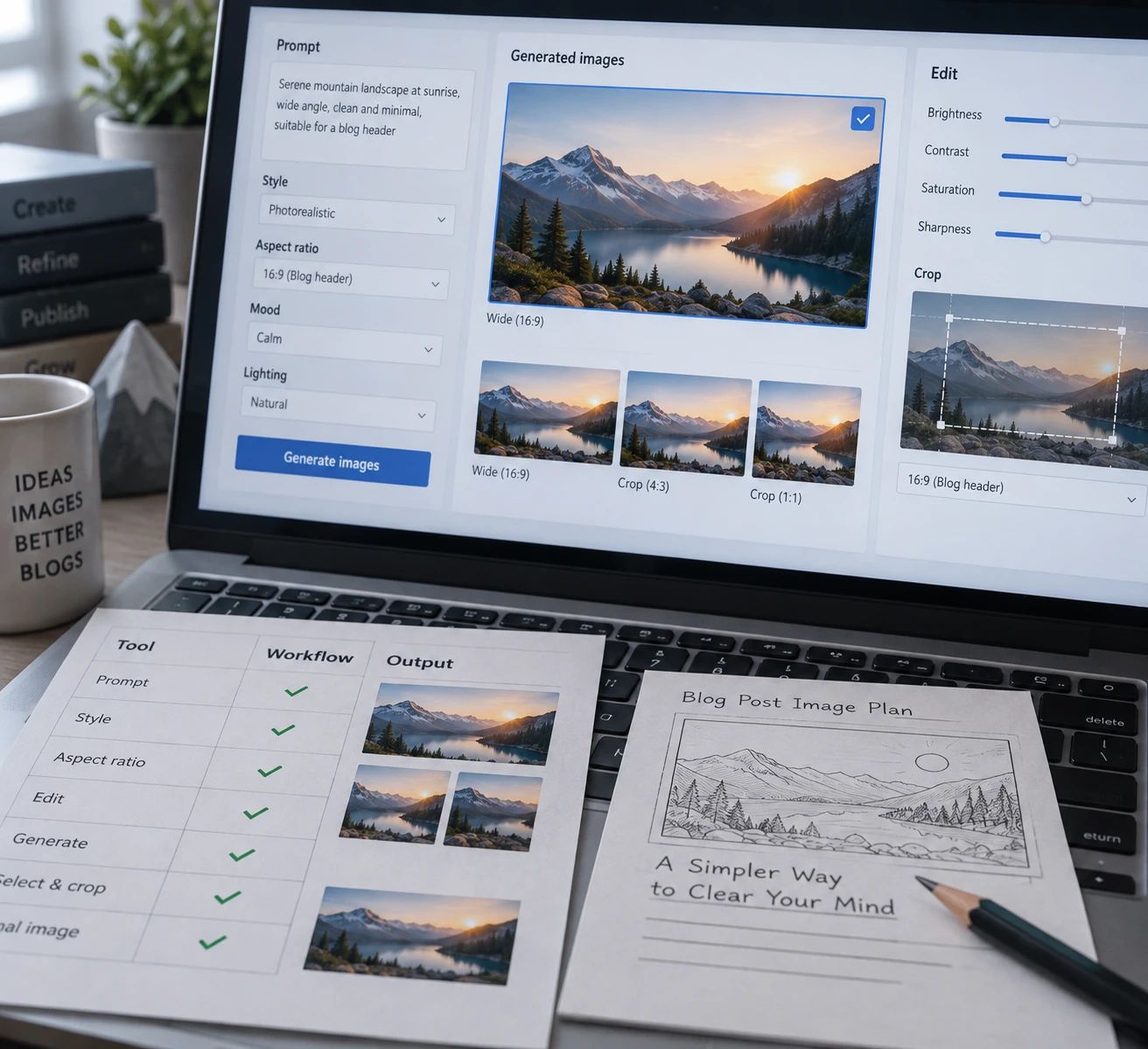
A standalone tool makes a great picture, then leaves the rest to you. The real cost is the steps around the image, repeated for every post.
The manual routine, step by step
- Write a prompt that matches the post.
- Generate and pick one image.
- Download it and resize it (typically 1200 × 630 pixels for a featured image).
- Compress it and convert it to WebP.
- Upload it to WordPress and set it as the featured image.
- Write alt text.
Done carefully, that's roughly 10 to 15 minutes per post. At one post a week, that's fine. At 30 posts a month, it's five to seven hours of repetitive work.
When integrated tools win
Integrated setups cut steps 2 through 6 to a review. WordPress plugins can create a featured image from the post, convert it to WebP and add alt text before it goes live. Writing platforms go further and put the image in the article at publish time.
DraftSEO.ai works this way. It generates images as part of each article and publishes to WordPress, Shopify, Webflow and other platforms without manual uploads, so there's no download-and-upload loop.
When a manual tool is still better
Stay manual for hero images on pillar posts, branded illustrations, or anything a designer will refine. A custom Midjourney image for one flagship guide is worth ten minutes. Thirty of them a month are not.
Image Quality, Licensing and Free Tiers
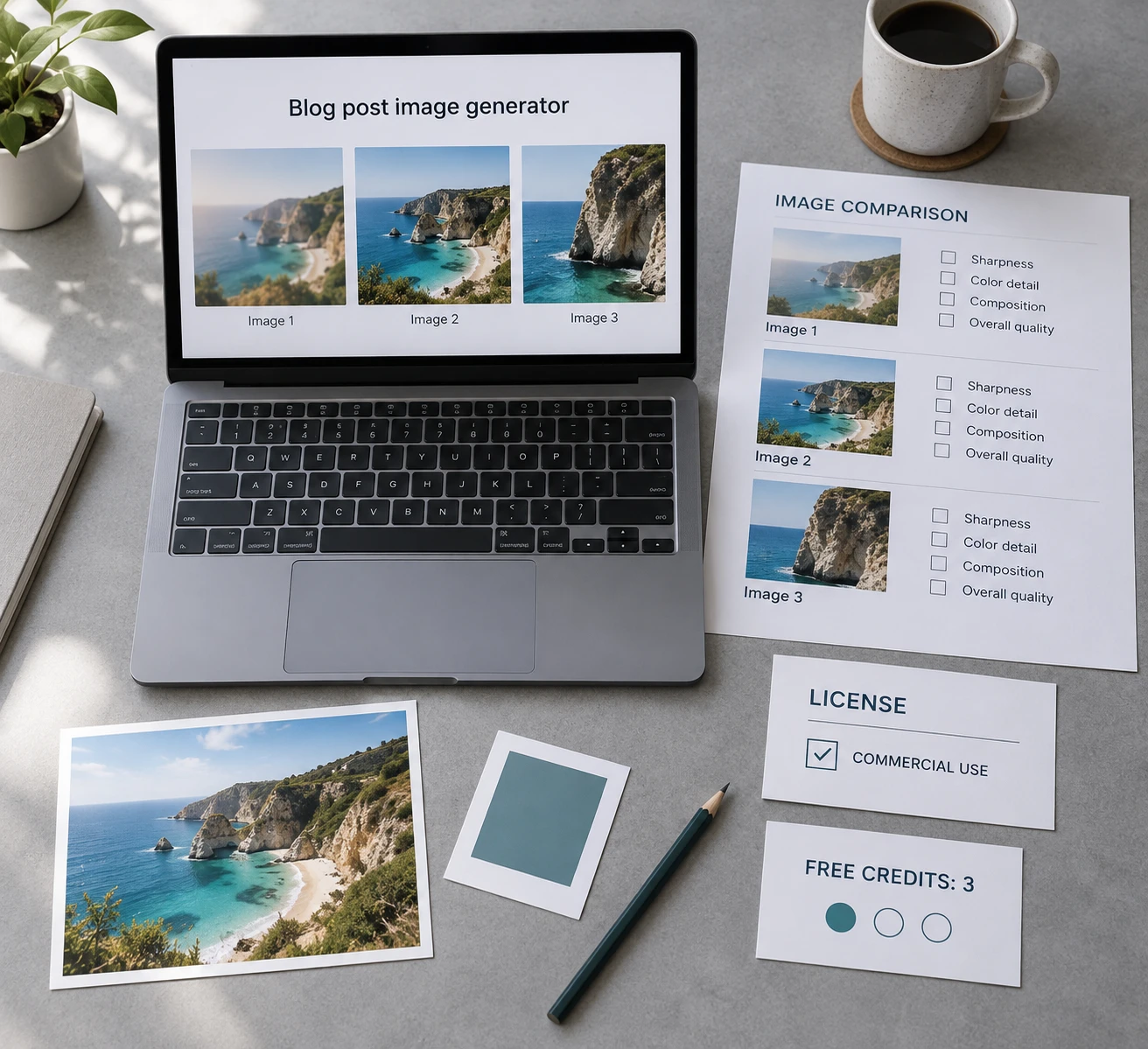
Choosing on image quality alone is the most common mistake. A beautiful image you can't legally use, or can't regenerate in the same style next week, costs you more than a plain one.
Commercial licensing
Most paid plans allow commercial use, but conditions vary. Some free tiers restrict it, and a few add watermarks. Confirm three things: commercial use is allowed on your plan, you own or may freely use the output, and the terms haven't changed since you signed up. Keep a screenshot of the terms with your records.
Free tiers don't scale
A daily cap of a few images works for a hobby blog. It breaks down on a daily publishing schedule, especially when you regenerate images that missed the mark. Budget for a paid plan once you publish more than a few posts a week.
Keeping a consistent style
Unrelated images weaken brand trust. Save one style prompt (for example, "flat vector illustration, muted teal and cream palette, no text") and paste it before every subject. Gemini is useful here because it edits and extends an existing image series.
Image SEO After Generation
AI images aren't bad for SEO. Slow, oversized or unlabeled images are. Resize to your theme's display width, convert to WebP, and aim for files under about 100 KB for featured images. Write alt text that describes what the image shows, in plain words, with the target keyword only where it fits naturally.
For text inside images, use Ideogram or a recent ChatGPT Images or Nano Banana model, then proofread every letter. Keep headline text short, and repeat it in the post body so search engines can read it.
Stock photos still suit real products and people. Use original photos for anything that must be authentic, such as reviews and case studies, and AI images for abstract concepts.
If you'd rather skip the per-post routine, you can try DraftSEO.ai free on your first site and see how automated images and publishing fit your calendar.
Frequently Asked Questions
Which blog post image generator is free?
Ideogram, ChatGPT and Gemini all offer limited free use with daily caps. That's enough for occasional posts but not for a daily calendar. Check each tool's license terms before using free output commercially.
Can I use AI-generated images commercially on my blog?
Usually yes on paid plans, but terms differ by tool and plan. Free tiers may restrict commercial use or add watermarks, so read the current terms before you publish.
Which generator renders text in featured images best?
Ideogram is the strongest for embedded text. ChatGPT Images and Nano Banana 2 have also improved. Keep the text to a few words and check spelling before you upload.
References
[1] 10 AI Image Generation Tools for Every Workflow
[2] 8 Best AI Image Generators for Blogs in 2026 (Plus Our #1 Pick)
[4] Free AI Blog Writer with Images: Compare Real Limits
[5] Comparing AI Content Generators for Blog Posts
[6] We tested 11 AI blogging tools in 2026 and these 5 are actually worth it
[7] 25 Best AI Photo Generators for Ecommerce Products (2026)
[8] AI Image Generator Commercial License Free