Deep Web Research just got a lot deeper, and a lot simpler to use. It now reads the most useful pages on your topic and hands your article real, current facts. The settings are down to what you actually need.
🔎 Deeper Research
Reads the pages, not just the headlines. DraftSEO opens the most useful sources (the official site first) and pulls out the passages that matter for your article.
Targeted follow-up searches. After the first search, it looks up the details your topic needs, like prices, rules, opening times or specifications.
Latest news included. One search always checks for recent developments, so your article knows what changed this year.
Answers what people actually ask. The questions people ask Google about your topic help shape your headings and FAQ.
🌍 Researched in Your Article's Language
Research now follows the Language and Target country you set for the article. A Polish article is researched from Polish sources, a UK article from UK sources.
Nothing to set up. It happens automatically for every article.
⚙️ Simpler Settings
We removed the settings almost nobody changed and made them automatic: time range, source type, search purpose, number of sources, and search country and language.
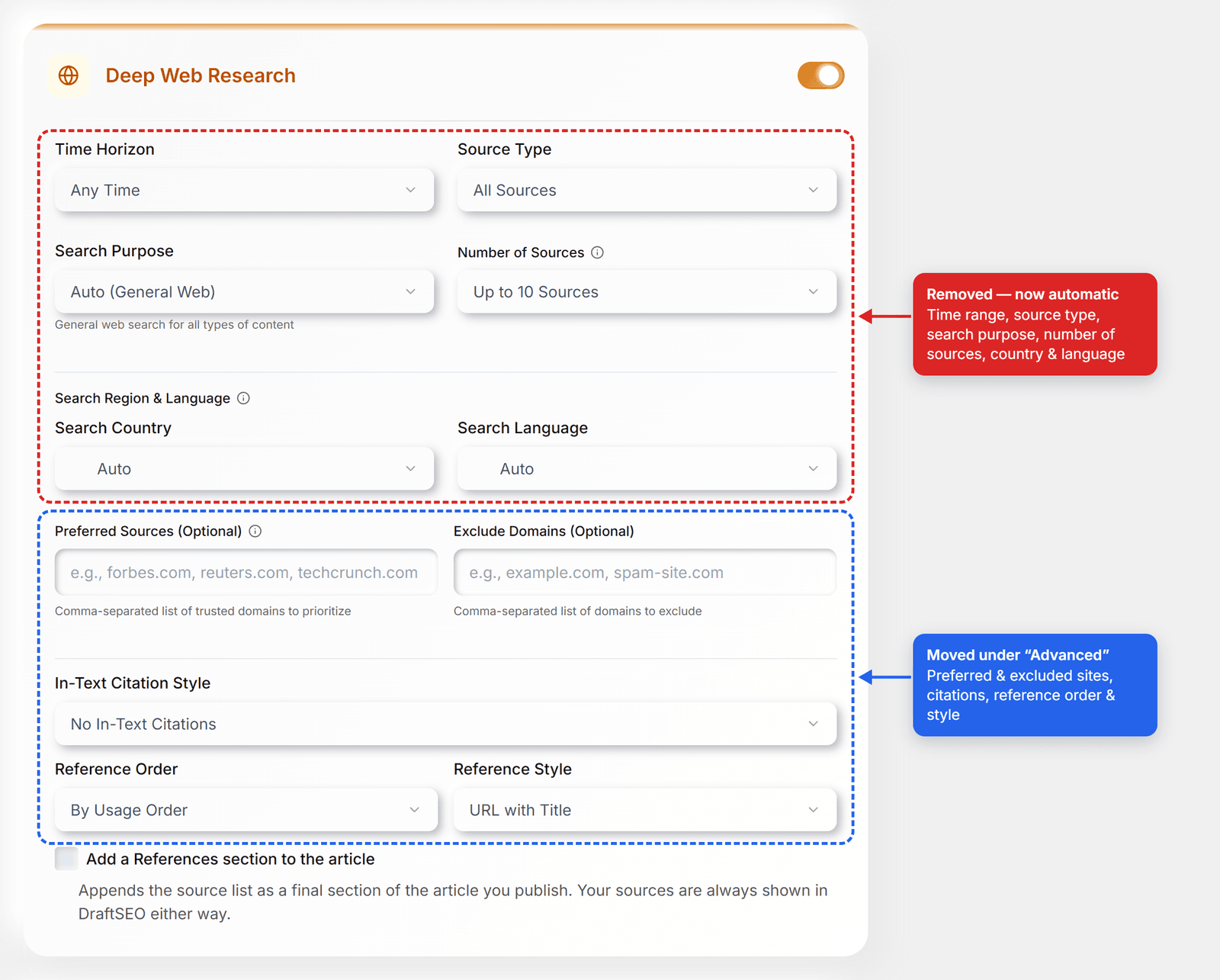
Now there's one choice up front: whether to add a References section to the article. Everything else lives under Advanced options.
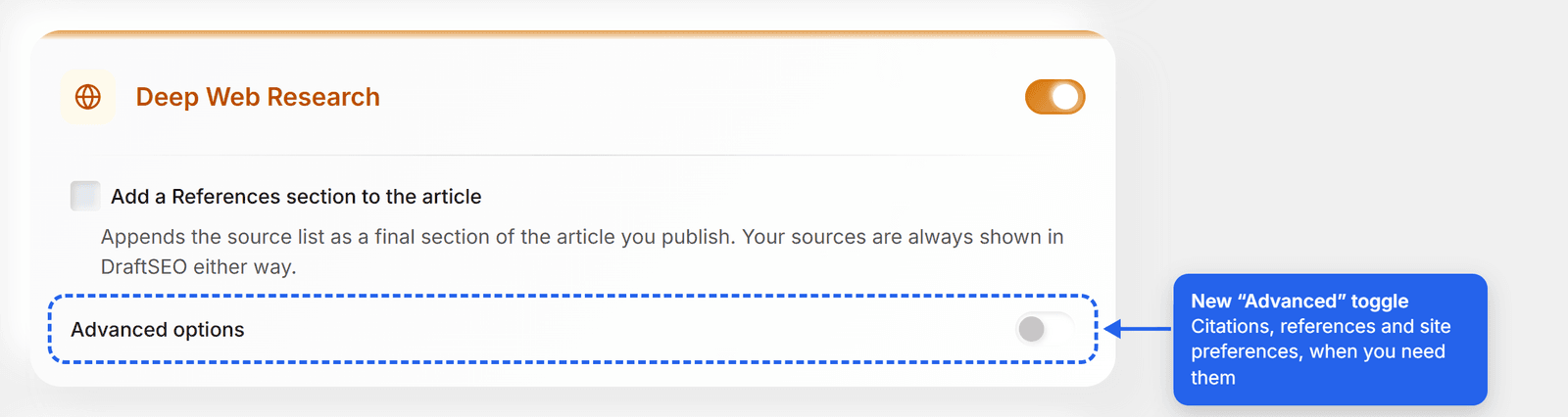
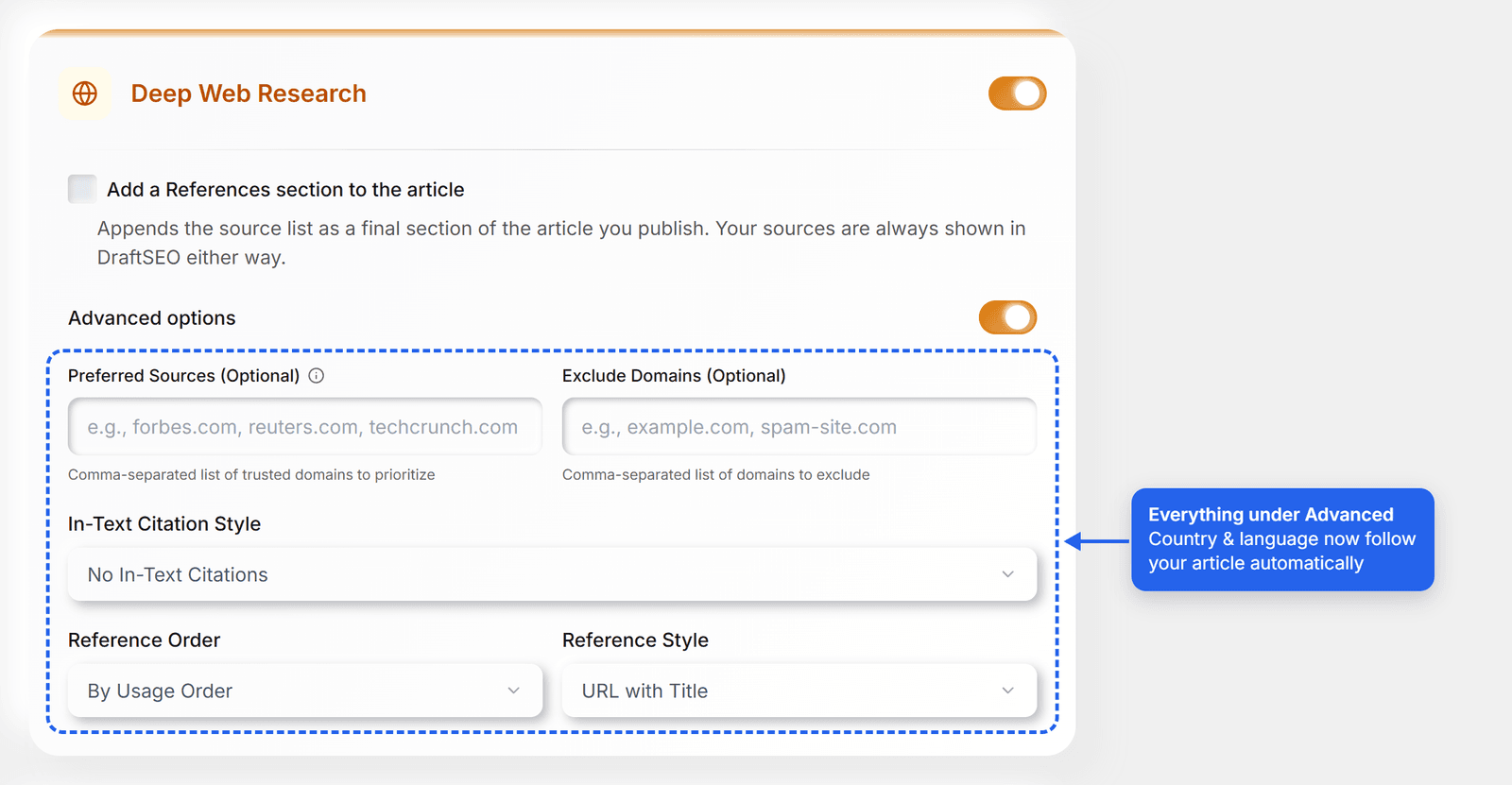
Advanced options holds preferred sources, excluded sites, in-text citations, and reference order and style.
If you already use one of them, Advanced opens by itself so you can see it.
✨ What You'll Notice
More specific articles: real figures, dates and practical details instead of "check with the provider".
Citations that point to pages the writer actually read.
Better results on every model, including the 1-credit ones.
💡 Good to Know
Turn it on with the Deep Web Research switch on the Generate page, in Bulk, or in your Autopilot settings.
No extra credits. It's included on every plan.
Research takes a few seconds longer, because DraftSEO is reading the pages.
As always, give important figures a quick check before you publish. Web pages can be out of date.