Sep 10, 2026

SEO for Firefox Toolbar: 5 Use Cases
DraftSEO Team
Mozilla killed off its own Page Speed add-on years ago, and half the "SEO toolbar" extensions still listed in Firefox's add-on store haven't been updated since Google's last major core algorithm shake-up. That matters if you're relying on seo for firefox toolbar extensions for daily spot-checks — an abandoned tool can quietly feed you wrong header data or stale rankings. Used right, though, these toolbars are still the fastest way to sanity-check a page without opening a full platform.
This piece walks through five practical use cases where a Firefox toolbar earns its place in your workflow, and where it runs out of road.
Checking On-Page Elements Without Opening a Crawler
The fastest use case for any SEO toolbar in Firefox is a one-click read of a page's meta tags: title length, meta description, canonical tag, and heading hierarchy. Extensions like SEOquake or the built-in Firefox developer tools' Inspector panel surface this in seconds, without waiting on a crawl job to finish.
This works well for individual URL checks — a new blog post, a product page you just edited, a client page you're auditing live on a call. You see the H1, count title characters, and confirm the canonical points where it should.
What a Toolbar Actually Shows You
Most toolbars pull the raw HTML <head> and render it as a readable list: title tag, meta description, meta robots directive, and canonical URL. Some add word count and keyword density for the visible body text.
None of this replaces a real crawl. A toolbar checks one page at a time — it has no concept of how that page fits into your site's internal linking structure or whether five other URLs are fighting it for the same keyword.
Where This Breaks Down
Density checkers in particular are outdated. Google hasn't ranked pages on keyword-to-word-count ratio since well before Panda, and a plugin telling you to hit "2% density" is giving advice from a different decade. Treat density numbers as a rough sanity check, not a target.
Inspecting Headers and Robots Directives Before You Deploy
A header checker extension answers one question fast: is this URL sending a 200, a 301, or a soft 404, and what does its robots.txt or meta robots tag actually say? This matters most right before or right after a site migration, redesign, or CMS change.
You paste in a URL, and the toolbar shows the HTTP status code, server response headers, and whether X-Robots-Tag or an on-page noindex is blocking indexing. This is the same information you'd get from curl -I in a terminal, just wrapped in a friendlier interface for anyone who isn't comfortable with command-line tools.
The catch: a header checker tells you about the one URL you tested. It won't tell you that 400 other URLs on the same site got orphaned with a bad redirect chain during last week's migration. For that, you need a site-wide crawl — something like Screaming Frog SEO Spider or a full platform crawl, not a browser extension checking pages one by one.
Running Quick Page Speed and Core Web Vitals Checks
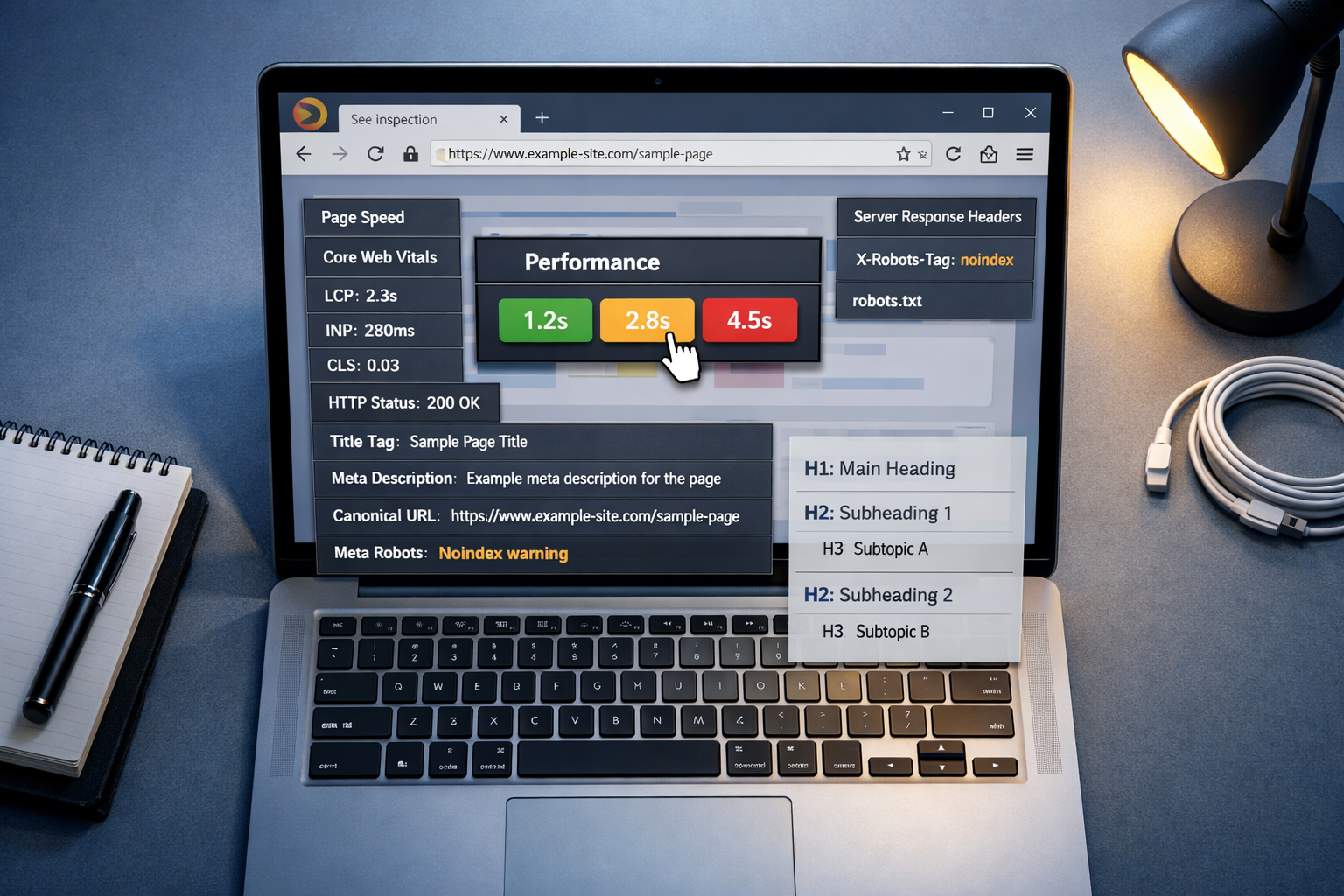
Google's PageSpeed Insights extension (and Lighthouse, built directly into Firefox's and Chrome's dev tools) gives you Largest Contentful Paint, Cumulative Layout Shift, and Total Blocking Time scores for the page you're currently viewing, in under 15 seconds. That's fast enough to run before and after a theme change on a WordPress site.
This use case is genuinely strong. Speed data from your own browser, on your own connection, is close to what Google's crawler would see, especially if you throttle the simulated connection to match mobile 4G.
Where WordPress site owners get tripped up is testing only their homepage. Speed problems often live on template pages — product listings, category archives — that carry more images and scripts than the homepage does.
Spotting Basic Backlink and Competitor Signals
Firefox backlink add-ons — usually thin wrappers around a free API tier from Moz or a similar provider — can show a rough domain authority score and a handful of referring domains for any page you're viewing. That's useful for a two-minute gut check on a competitor's page while you're already looking at it in the browser.
It is not a backlink audit. Free API tiers cap at a small sample of links, often just the highest-authority ones, and they update on a lag of weeks rather than days.
Where This Fits in a Real Workflow
- Spot-check a competitor's backlink profile while researching a content gap
- Note the rough domain authority range, not an exact figure
- Flag pages worth a deeper look
- Move the real audit into a full platform like Ahrefs or Semrush
- Use the toolbar again only for a quick recheck after outreach
Skipping step 4 is the most common mistake here. Toolbars give you a signal, not a dataset — treating a free extension's authority score as equivalent to Ahrefs' Domain Rating or Semrush's Authority Score is comparing two different measurement systems that don't map onto each other cleanly.
Tracking Rankings and Turning Findings Into Content
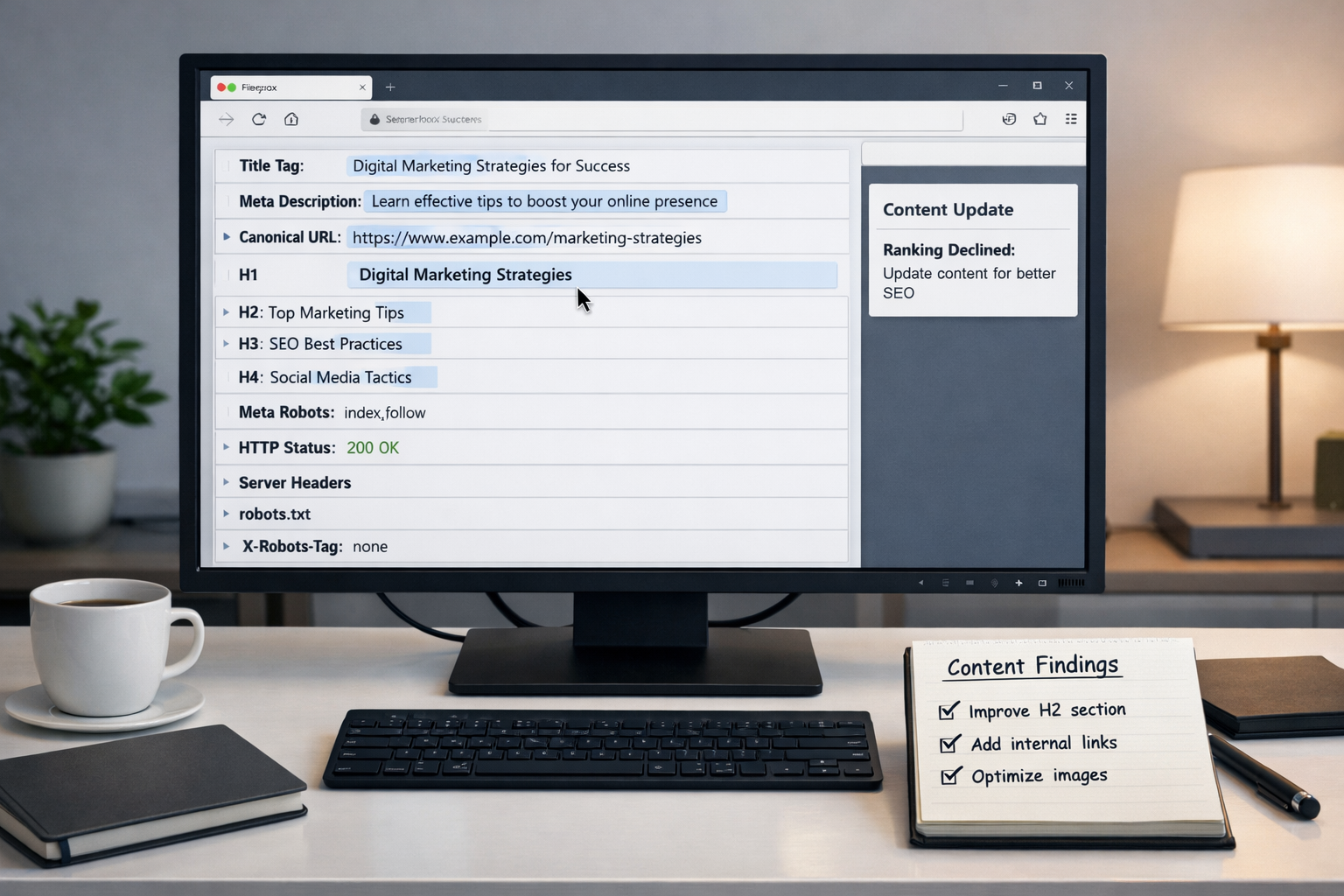
A SERP position checker extension shows you where a URL ranks for a given keyword, right in the search results page, without opening a separate rank tracker dashboard. It's handy for a same-day check: did that title tag change move the needle at all?
The limitation is scale and consistency. Browser-based rank checkers are affected by your location, your search history, and personalization Google applies to logged-in accounts, so the number you see may not match what a dedicated rank tracker reports from a clean, geo-located server.
| Task | Firefox toolbar | Full SEO platform |
|---|---|---|
| Single-page meta tag check | Fast, free | Slower, often overkill |
| Site-wide crawl for broken links | Not capable | Built for this |
| Backlink audit depth | Sample only | Full index |
| Rank tracking accuracy | Personalized, inconsistent | Server-based, consistent |
| Ongoing content production | Not applicable | Depends on the tool |
That last row is the real bottleneck for most site owners. Diagnosing an SEO problem with a toolbar takes minutes. Producing enough optimized content, month after month, to actually close the gaps a toolbar finds is the part that doesn't scale manually. Once you've used your toolbar checks to spot missing meta descriptions, thin category pages, or keyword gaps against competitors, those findings need to turn into actual published articles — and that's a content production job, not a browser extension job. This is the stage where DraftSEO.ai fits: it takes the kind of gaps a manual audit surfaces and turns them into a steady output of optimized articles, generating around 30 pieces a month for a connected site and publishing them straight into WordPress or another connected CMS.
If you're already running weekly toolbar checks and still watching your content backlog grow faster than you can write, that's the actual constraint worth solving. You can try automating that ongoing content production with a free trial that includes starter credits, over at the DraftSEO.ai pricing page.
Frequently Asked Questions
Are Firefox SEO toolbars accurate enough to replace Ahrefs or Semrush?
No. Toolbars are built for single-page spot-checks; platforms like Ahrefs and Semrush run full-site crawls and maintain their own backlink indexes updated continuously, which a browser extension can't replicate.
Which Firefox SEO extension should I install first?
Start with SEOquake for on-page meta tag checks and Lighthouse (built into Firefox's dev tools) for page speed. Together they cover the two most common daily checks without extra sign-ups.
Can a toolbar detect site-wide crawl errors like orphaned pages?
No, toolbars only read the page you're currently viewing. Site-wide issues — orphaned pages, redirect chains, duplicate content across thousands of URLs — need a dedicated crawler, not a browser extension.