Aug 15, 2026

When Half My Blog Readers Turned Out to Be Bots
DraftSEO Team
Imperva's 2024 Bad Bot Report put automated traffic at roughly 49% of all internet traffic for the year prior — nearly half of every hit a website gets. I ran that math against my own analytics dashboard and found a blog where "readers" had doubled year over year while newsletter signups stayed flat. That gap is where blog bots live, and it's the reason a lot of traffic charts lie.
If you manage a WordPress site, run SEO for clients, or watch Google Analytics for a living, this isn't a hypothetical. It's a data-quality problem with real consequences for the content decisions built on top of it.
Why Your Pageviews Don't Match Your Conversions
A pageview count that climbs while leads, sales, or email signups stay flat almost always means bot traffic is inflating the top of the funnel. The disconnect shows up first in aggregate reports, then gets confirmed once you check engagement metrics against raw volume.
The Telltale Metrics
Watch three numbers together: average session duration, pages per session, and bounce rate. Human blog readers who land on a 2,000-word article typically stay for a minute or more and often click through to a related post. Bots hit one page, register a session of 0-2 seconds, and leave. If your bounce rate looks unusually low but time-on-page is also near zero, that's not engaged skimming — that's a script requesting a URL and moving on.
Where the Traffic Actually Comes From
Check your geography and device reports next. A sudden spike from a country with no relevance to your niche, arriving entirely on one browser version, is a strong signal of automated hits rather than organic reach. Real human traffic is messy — mixed devices, mixed locations, mixed session lengths. Bot traffic is suspiciously uniform.
None of this means every anomaly is malicious. A lot of it is crawler traffic doing exactly what it's supposed to do.
Crawler Traffic vs. Human Traffic: Not the Same Threat
Not all bots are a problem, and treating them like one is a common overcorrection. Search engine crawlers, uptime monitors, and legitimate SEO tools need to access your pages regularly, and blocking them can hurt the very rankings you're trying to protect.
Good Bots You Should Leave Alone
Googlebot, Bingbot, and crawlers from tools like Ahrefs or Screaming Frog show up in server logs constantly. They're not inflating your GA4 numbers in most cases, because Google Analytics' JavaScript tracking doesn't fire for most well-behaved crawlers that skip rendering scripts. If you see them in your raw server logs but not in GA4, that's expected behavior, not a leak.
Bad Bots That Skew Reporting and Cost You Money
The traffic that actually damages your analytics comes from scraper bots harvesting content, referrer spam faking a visit from a fake domain to get you to click back, and click farms tied to ad fraud schemes. These generate fake pageviews that count in your dashboard and, if you run display ads, can burn advertiser budget on impressions no human ever saw. This is the category worth filtering aggressively — the crawlers indexing your site are not.
GA4 Bot Exclusion Settings Don't Catch Everything
Google Analytics 4 filters known bots automatically using the IAB/ABC International Spiders and Bots List, but that list only covers publicly declared bots that identify themselves honestly. It does nothing for spoofed user agents, headless browsers mimicking real sessions, or residential-proxy traffic pretending to be Chicago-based Chrome users.
That's the trap: site owners assume GA4's "exclude known bots and spiders" checkbox, which is on by default, handles the whole problem. It doesn't. A resourceful scraper or a fraud network built to inflate ad impressions specifically avoids that list.
To close the gap, layer in server log analysis alongside GA4. Your access logs show every request, including the ones that never execute Analytics' JavaScript, which is where a lot of scraping and fake-referral traffic hides. Cross-referencing IP ranges, user agents, and request timing between your logs and your GA4 reports usually surfaces bot clusters that GA4 alone misses.
Pull raw server logs for a 30-day window and export the IP and user-agent fields.
Flag any IP making more than a few hundred requests per day to a single blog post.
Cross-check flagged IPs against known data center or hosting-provider ranges (a quick WHOIS lookup does this).
Compare that list against your GA4 real-time report for overlapping sessions.
Add confirmed non-search-engine bot IPs to a firewall or CDN-level block rule, not a GA4 filter alone.
Re-check bounce rate and session duration for the affected pages a week later.
Signal | Likely Human | Likely Bot |
|---|---|---|
Avg. session duration | 45+ seconds | Under 2 seconds |
Pages per session | 1.5–4 | Exactly 1 |
Geo/device mix | Varied | Uniform, single browser version |
Referrer source | Search, social, direct | Unknown or spoofed domain |
The Real Cost: Chasing Signals That Never Came From Readers

Filtering bot traffic isn't just a data-hygiene exercise. It's the difference between knowing what worked and guessing. When half your "readers" are bots, every content decision downstream of that traffic — what topics to write next, what headlines to test, what format performed best — gets built on a foundation that never reflected real people.
This is the part most site owners miss. A blog post that gets 5,000 bot-inflated pageviews looks like a win. Teams then produce more posts in that format, chasing a pattern that was never actually resonating with anyone. Months of editorial calendar go into replicating a result that doesn't exist. The wasted effort compounds — it's not one bad post, it's a whole content strategy pointed at the wrong signal.
The fix is refocusing on metrics tied to actual reader behavior: scroll depth, return visits, email signups, and time-on-page filtered to exclude flagged bot sessions. Once you strip out the noise, a lot of "high-performing" content turns out to be mediocre, and posts that looked ignored sometimes show real engagement once the fake traffic is subtracted.
That refocus matters just as much on the writing side as the analytics side. If you're producing content at volume — which is when scraper and bot activity tends to spike, since more URLs mean more surface area to crawl — it helps to build a workflow that's already structured around what real readers and search engines respond to, rather than optimizing blind. That's the gap a platform like DraftSEO.ai is built to close: it generates SEO-structured articles designed around genuine search intent rather than vanity metrics, so the content going out each month is built on signals worth trusting in the first place.
Getting to Traffic That Actually Converts
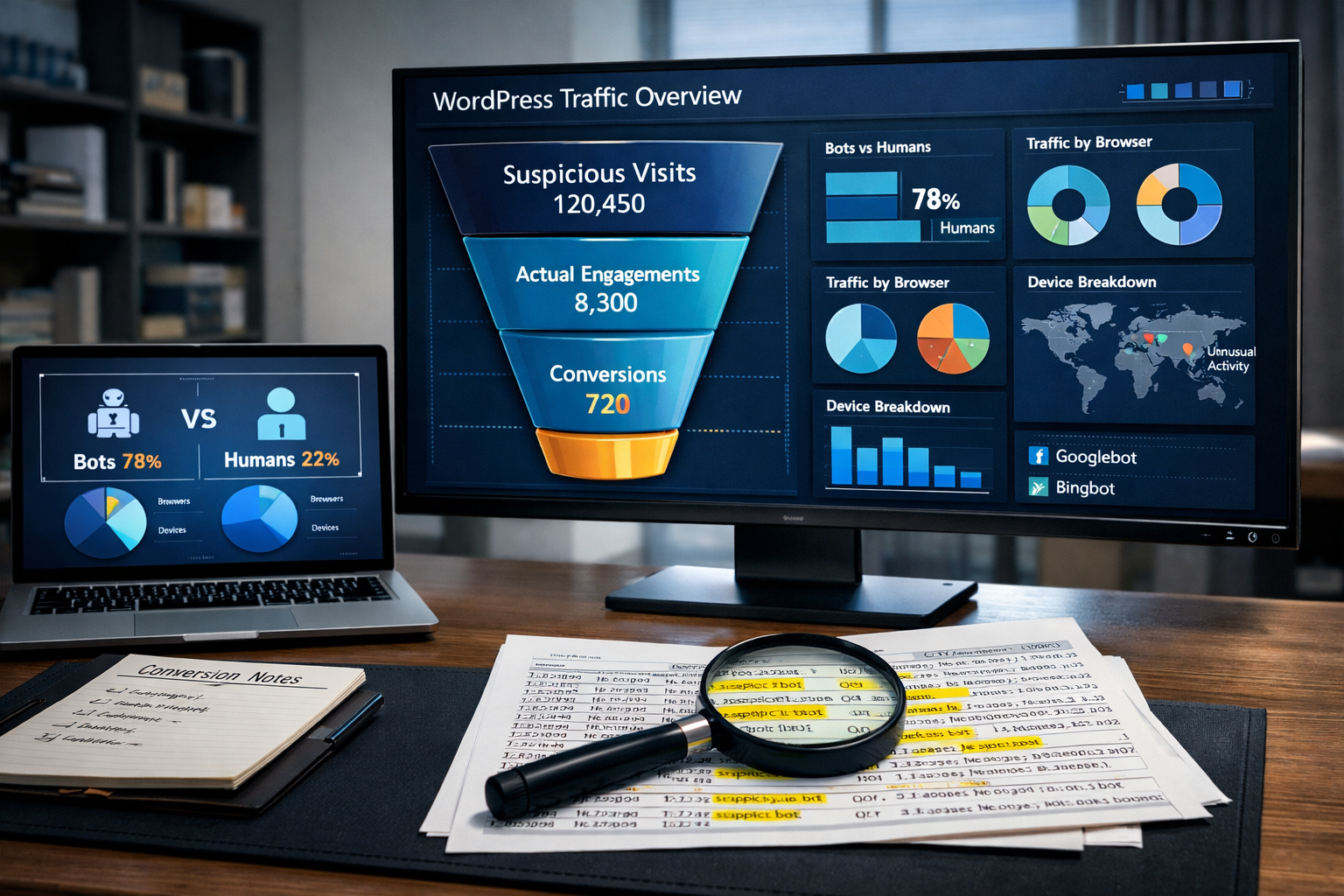
Clean analytics only matters if it changes what you publish next. Once bot sessions are filtered out and you can see real bounce rates, real time-on-page, and real referral sources, the next step is producing content that holds up against that cleaner baseline — consistently, not as a one-time audit.
That's typically where site owners hit a bandwidth wall: filtering bots is a few hours of work, but rebuilding a content calendar around verified-human engagement takes ongoing output. DraftSEO.ai handles that production side, generating 30 articles a month for connected sites and publishing through most major CMS platforms, including WordPress, so the volume doesn't stall out while you're busy auditing traffic sources. There's a free trial with starter credits if you want to see how the output holds up against your own filtered analytics before committing — you can check current plans at the DraftSEO.ai pricing page.
Frequently Asked Questions
How do I know if my blog traffic spike is bots or a real audience?
Check session duration and pages per session for the spike window. Real audience growth shows varied engagement; bot spikes show near-uniform, sub-2-second sessions from a narrow geography or device type.
Should I block all crawler traffic to stop bots from hurting my analytics?
No — blocking indiscriminately can stop Googlebot and Bingbot from indexing your site. Filter malicious scrapers and spoofed traffic at the server or CDN level, and leave verified search engine crawlers untouched.
Does GA4's default bot filtering fully solve this problem?
No. GA4 only excludes bots on the IAB/ABC known-spiders list, missing spoofed user agents and fraud-network traffic. Server log analysis alongside GA4 catches what the default setting misses.