Jul 31, 2026

Automated Internal Linking for SEO Articles
DraftSEO Team
Google's John Mueller has said publicly that internal links are "one of the biggest factors" a site owner controls for helping pages rank. That's not a minor detail. If your site publishes 20, 50, or 100 articles a month through automated internal linking, the links between those pages decide whether your new content gets indexed fast or sits orphaned for weeks.
Most site owners treat this as a plugin problem — install something, flip a switch, move on. The real bottleneck shows up later, when hundreds of AI-generated articles need linking and no human has time to do it by hand.
What Automated Internal Linking Actually Does
Automated internal linking is software that scans your published content, identifies contextually relevant pages, and inserts hyperlinks between them without a human manually selecting anchor text or destination URLs for each one. It replaces the spreadsheet-and-memory approach most teams start with.
The mechanism varies by tool, but the core steps are consistent. A crawler indexes your site's existing pages and their target keywords. A matching engine — usually built on some form of natural language processing — compares new content against that index to find topical overlap. Then a rules engine decides how many links to insert, which anchor text to use, and where in the body to place them.
This matters more at volume than at small scale. If you publish two articles a month, you can link them by hand in ten minutes. If you publish 30 articles a month across five topic clusters, manual linking turns into a part-time job, and it's the first thing that gets skipped when deadlines slip.
Skipping it isn't free. Pages that never receive an internal link become orphan pages — technically live, but invisible to your site's own navigation and harder for Google to crawl consistently. An orphan page can still rank, but it usually takes longer and ranks lower than a page with three or four relevant internal links pointing to it.
The distinction worth holding onto: automated internal linking doesn't invent relationships between pages that don't exist. It surfaces relationships that already exist in your content and acts on them faster than a person would. Bad content still produces bad links, just at higher speed.
Tool sophistication ranges widely. Some WordPress plugins do simple keyword matching against a list you maintain manually. Others run semantic analysis that groups content by topic without any manual tagging. The gap between these two approaches shows up directly in link quality, which the next section covers in more depth.
One caveat worth stating early: automation changes who does the work, not whether oversight happens. Every automated system still needs a human checking output periodically, because "automated" and "unsupervised" are not the same thing.
Why Manual Linking Breaks Down Past 50 Articles
Manual internal linking works fine below roughly 20-30 published articles. Past that, the math stops working: finding relevant link targets for a new post means re-reading or re-remembering dozens of older articles, and most teams simply stop doing it consistently.
The failure mode isn't dramatic. It's quiet. A writer publishes article 47, forgets that articles 12 and 31 cover closely related subtopics, and the new piece goes live with zero internal links pointing out or in. Multiply that across a year of publishing and you get a site with strong individual pages and weak connective tissue between them — which is exactly the pattern that limits topical authority from compounding.
The Retrofit Problem
Here's where a lot of automated internal linking setups fail even when the automation itself works: they link forward only. New articles link to old ones, but old articles never get updated to link to the new ones. Over time this creates a lopsided link graph where your oldest, often best-ranking pages, the ones with the most accumulated authority, never pass any of that equity to newer content.
Fixing this requires periodic re-crawls, not a one-time setup. A tool or process that re-scans your whole site monthly and adds links to older posts, where relevant, keeps the graph balanced. Skip this step and your best pages get link equity: locked and never redistributed.
Volume Changes the Math on Anchor Text
At small scale, you can vary anchor text by hand and it feels natural because you're writing it fresh each time. At 100+ articles, automated systems often default to the exact-match keyword because it's the easiest match to compute. That's a problem Google has flagged before: over-optimized, exact-match anchor text at scale reads as manipulative link building rather than genuine internal navigation.
A practical fix is capping how often the same exact-match anchor can be used site-wide and forcing variation — partial match, branded phrase, natural sentence fragment — into the rotation. Some tools expose this as a setting; others require you to write custom rules. Either way, it's not optional once you're past a few dozen articles per month.
Manual vs. Automated Linking: Where Each One Wins
Neither approach is universally better. The right call depends on publishing volume, team size, and how much editorial control you need over anchor text and placement.
| Factor | Manual Linking | Automated Linking |
|---|---|---|
| Time per article | 10-20 minutes | Under 1 minute |
| Consistency across 100+ articles | Degrades fast | Stays consistent |
| Anchor text nuance | High (human judgment) | Moderate (needs rules) |
| Cost at low volume (under 10 articles/month) | Low | Sometimes not worth the setup |
| Cost at high volume (30+ articles/month) | High (labor hours) | Low (per-article marginal cost near zero) |
| Risk of irrelevant links | Low, if done carefully | Moderate, without review |
| Retrofitting old content | Rare in practice | Feasible with scheduled re-crawls |
The practical takeaway from that table: manual linking wins on nuance at low volume, and automation wins on consistency the moment you're publishing more than a handful of articles a month. Most agencies and ecommerce sites cross that threshold quickly, often within the first quarter of scaling content output.
A hybrid model is what I'd actually recommend for most teams. Automate the first pass — the tool inserts links based on contextual relevance and site architecture — then have an editor spend five minutes per article reviewing placements before publishing. That review step catches the two failure modes automation is prone to: irrelevant links inserted purely on keyword overlap, and duplicate anchors that make the page look spammy to a manual reviewer.
Where teams get this wrong is assuming the hybrid model doubles the work. It doesn't. A five-minute review on an already-linked draft is faster than building the links from scratch, and it's the difference between "automated" and "automated and safe."
Choosing WordPress Plugins and Tools for Link Automation
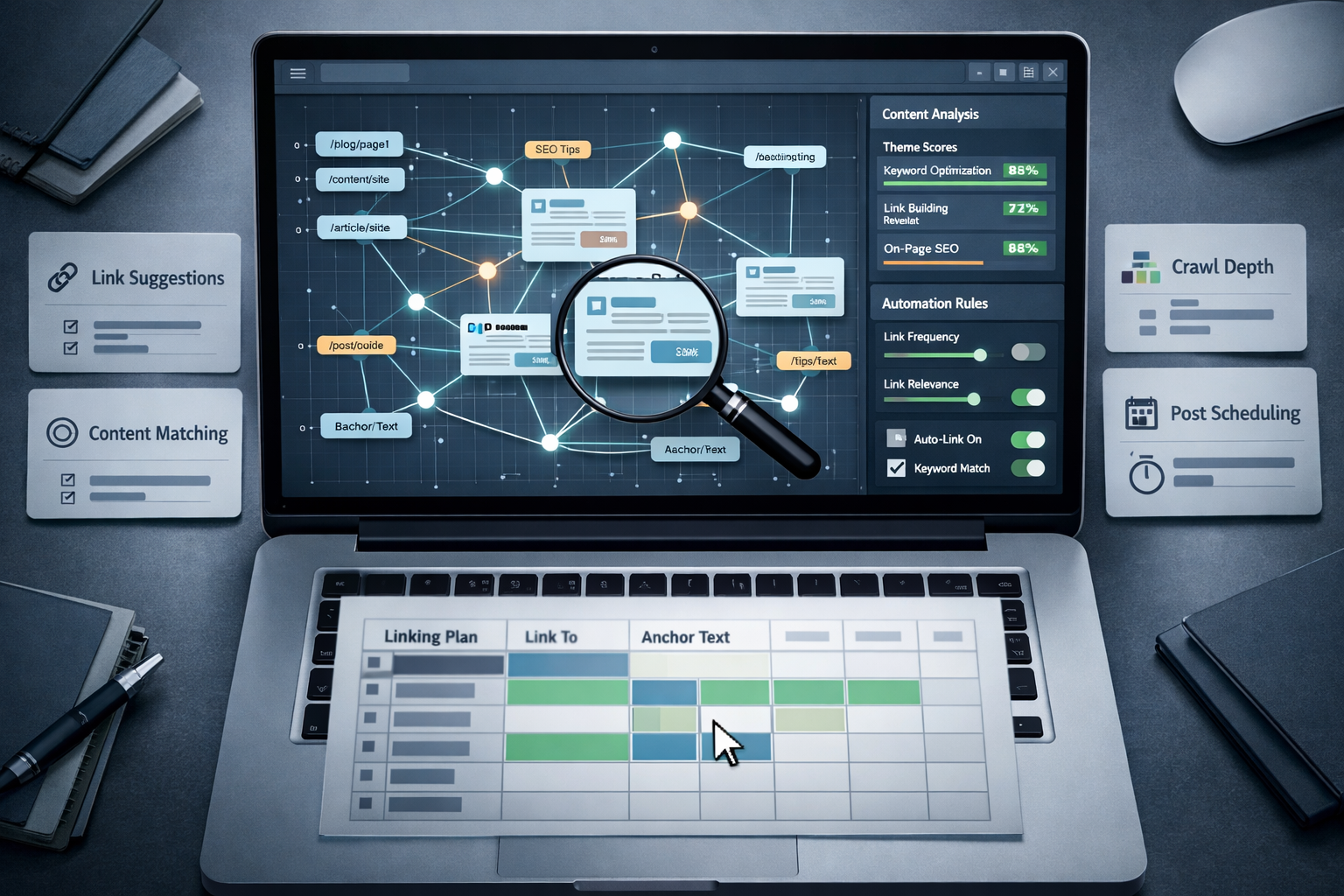
For WordPress site owners, the plugin market splits into three tiers: basic keyword-matching plugins, semantic/AI-based linking tools, and full content platforms that build linking into the publishing pipeline itself.
Basic plugins work off a list you maintain — you tell the plugin "link the phrase 'email marketing' to this URL" and it applies that rule site-wide. These are cheap and predictable, but they don't scale well past a few dozen rules, and they can't detect relevance they weren't told about explicitly.
Semantic tools use something closer to NLP (natural language processing) to detect topical similarity between pages without a maintained keyword list. These handle scale better because they don't require you to update a rules table every time you publish. The tradeoff is less granular control — you're trusting the algorithm's judgment on relevance, which is usually good but not perfect.
What to Check Before Committing to a Tool
- Crawl frequency. Does it re-scan your site on a schedule, or only at initial setup? A one-time crawl misses everything you publish afterward.
- Anchor text controls. Can you set variation rules or caps on exact-match repetition, or does it always use the same phrase?
- Placement logic. Does it insert links mid-paragraph in relevant context, or dump them all in a "related posts" block at the bottom?
- CMS integration. Does it publish directly, or require manual copy-paste into your editor?
- Orphan page detection. Can it flag pages that currently receive zero internal links, so you can fix them deliberately?
- Override capability. Can an editor manually remove or replace a suggested link before it goes live?
Where Linking Fits Inside a Content Pipeline
The tools that matter most aren't standalone linking plugins at all — they're the ones built into the content generation process itself. If an AI content tool is already writing your articles and publishing them to your CMS, the linking step should happen inside that same pipeline, at the point of generation, rather than as a separate pass run afterward. DraftSEO.ai handles this by generating the article and its internal link structure together as part of the same publishing step, which matters because a tool that writes 30 articles a month but leaves linking as a manual afterthought just moves the bottleneck instead of removing it.
That distinction is the whole argument for pairing automated linking with automated content generation rather than treating them as two separate purchases. Content volume and link maintenance grow at the same rate. Solving one without the other just shifts where the backlog builds up.
Building Content Silos That Automation Can Actually Use
A content silo is a group of articles clustered around one topic, all linking to each other and up to a central pillar page, which signals to Google that your site has depth on that subject rather than a scattering of unrelated posts. Automation performs much better inside a well-defined silo than across a flat, unorganized site.
The reason is straightforward: a semantic matching tool works by finding overlap between pages. If your site has clear silos — say, one cluster on email deliverability and another on ecommerce checkout optimization — the tool has an easier time distinguishing which pages belong together and which don't. A flat site with no topical grouping gives the algorithm nothing but that content to compare, and it will occasionally link pages that share vocabulary but not actual relevance.
Building silos before you scale automation saves rework later. Map your content into clusters — pillar page plus 5-10 supporting articles per cluster — before you turn on automated linking, and the tool's first pass will already respect that structure. Do this after the fact, on 200 already-published articles with no clustering, and you'll spend more time cleaning up bad links than you would have spent building the silos correctly from the start.
Pillar Pages Need Manual Attention Even in an Automated System
One exception worth flagging: pillar pages, the central hub article in each silo, deserve manual review even in an otherwise automated setup. These pages carry more link equity than any other page in the cluster and often rank for your most competitive keyword. Letting an algorithm decide anchor text and placement on your highest-value page without a second look is a bad trade for the small amount of time it saves.
Crawlability Still Depends on Site Architecture, Not Just Links
Internal links help distribute link equity, but they can't fix a broken site architecture on their own. If your XML sitemap is outdated, your robots.txt blocks key sections, or your navigation buries content five clicks deep, no amount of contextual linking inside article bodies will fully compensate. Automated internal linking is a layer on top of good architecture, not a substitute for it.
Common Mistakes That Undo the Benefits of Automation
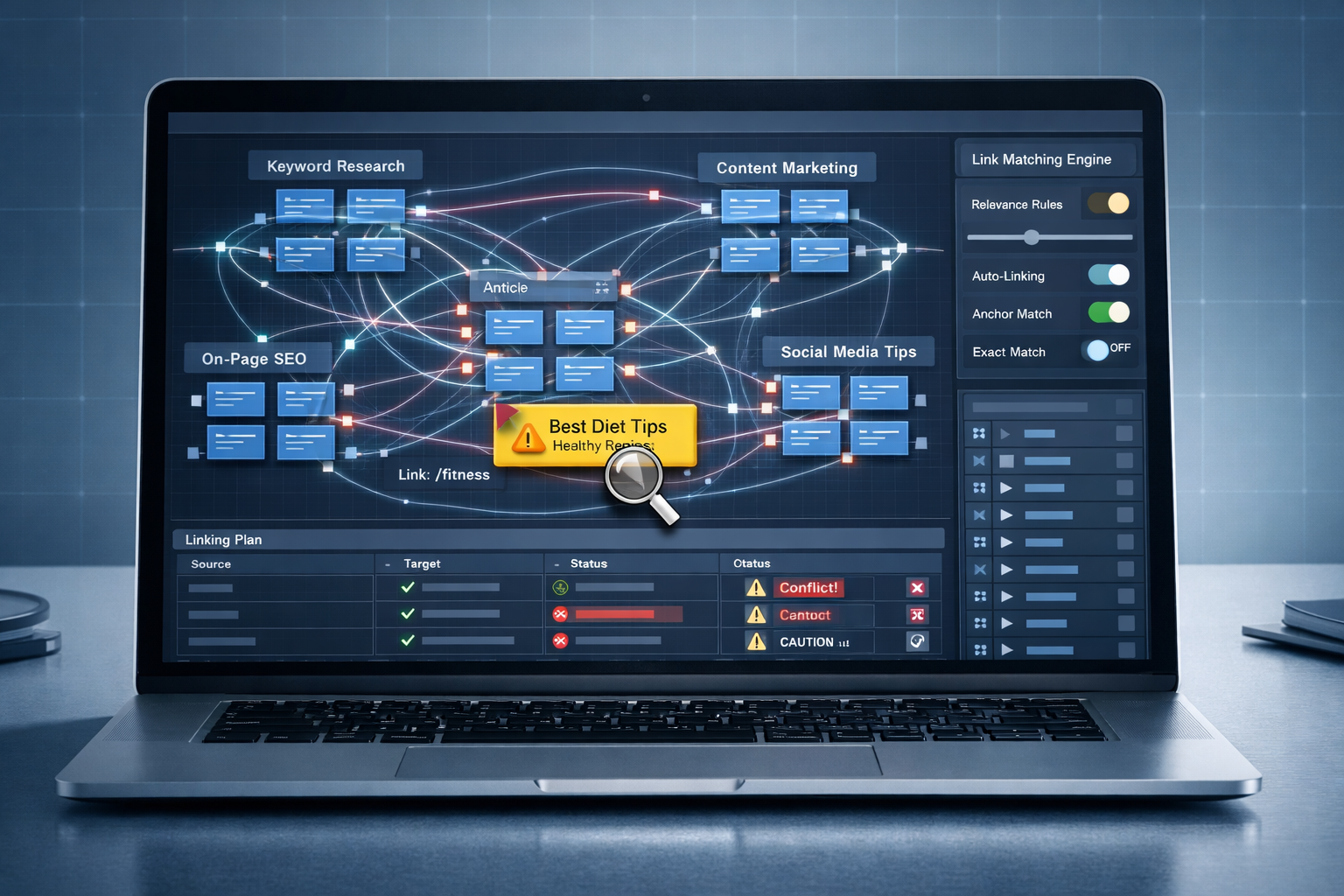
Automation removes labor, not judgment. The mistakes below show up repeatedly on sites that treat internal linking as a set-it-and-forget-it feature rather than an ongoing process.
The first mistake is assuming zero oversight is the goal. Some teams turn on an automated linking tool and never check its output again. Months later they find pages linked into completely unrelated content because two articles happened to share a common phrase. A contextual relevance algorithm isn't infallible — it's pattern matching, and pattern matching produces false positives.
The second mistake is over-optimizing anchor text. If every internal link pointing to your "best CRM software" article uses the exact phrase "best CRM software," that pattern is visible to Google's algorithms and, frankly, to human readers too. It reads as manufactured rather than natural. Vary anchor text deliberately — mix exact match, partial match, and natural phrasing, and don't let automation default to the easiest option every time.
The third mistake, covered earlier but worth restating directly: linking only forward. New content links to old content, but old content never gets revisited to link to the new. This creates a stagnant top of the site and a constantly-growing bottom that never receives equity from the pages that could pass it along.
The fourth mistake is treating the whole setup as a one-time project. Content grows, topics shift, and old links can point to pages that no longer exist or have been merged into something else. A linking system needs scheduled maintenance — monthly or quarterly re-crawls — the same way a sitemap needs regular resubmission.
Here's a quick gut check for anyone running an automated linking system for the first time. Pull ten random articles published in the last three months. Count the internal links on each. If more than two have zero internal links pointing in from anywhere else on the site, your automation isn't running frequently enough, and it's worth checking the crawl schedule before you check anything else.
None of this means automation is riskier than manual linking. It means automation without periodic review carries the same risks as any other unattended system — the errors just compound faster because the volume is higher.
Getting Started: Pairing Content Generation With Linking From Day One
The cleanest way to avoid every mistake above is to never separate content generation from link automation in the first place. Bolting a linking tool onto 300 existing articles after the fact is a bigger project than building the habit in from your first published piece.
For site owners just starting to scale content output, the sequence that works best is: define your silos first, connect a content generation tool that publishes directly to your CMS, and confirm that internal linking happens as part of that same publishing step rather than a separate task on someone's to-do list. Treating it as one workflow instead of two is what actually prevents the backlog from forming.
If you're evaluating tools, look for platforms that publish and link in the same action rather than exporting a draft you still have to place and link manually. That single difference determines whether your linking keeps pace with your publishing volume or falls a month behind it every single month.
DraftSEO.ai fits into this workflow directly: it generates 30 articles a month for a connected site, integrates with popular CMS platforms for publishing, and includes a free trial with starting credits, so you can see how automated content and linking work together before committing. If you want to see the plans and what the free trial credits cover, the pricing page lays out the details.
Whatever tool you choose, run a small test batch first: publish five to ten articles, check link placement and anchor variation by hand, then scale. It's a cheap way to catch a bad rule set before it multiplies across a hundred pages.
Frequently Asked Questions
Does automated internal linking hurt SEO if not monitored?
It can. Unmonitored automation occasionally links pages based on shared vocabulary rather than genuine topical relevance, which confuses both readers and Google's ranking signals. A monthly spot-check of 10-15 recent articles catches most of these errors before they compound.
How many internal links should an article have?
There's no fixed number, but 3-5 contextually relevant internal links per 1,000 words is a reasonable working range for most content. What matters more than the count is relevance — one well-placed link beats five forced ones.
Can automated linking replace manual link building entirely?
For internal links, yes, in most cases, once oversight and anchor text rules are in place. It cannot replace external link building, which depends on relationships and outreach that software can't automate the same way.
Will automated linking work on a site with no existing content silos?
It works, but less accurately. Without topical clusters, a semantic matching tool has less structure to work from and is more likely to link pages that share keywords without sharing real relevance, so building silos first improves results significantly.